- Generate the API key and copy it to the clipboard.
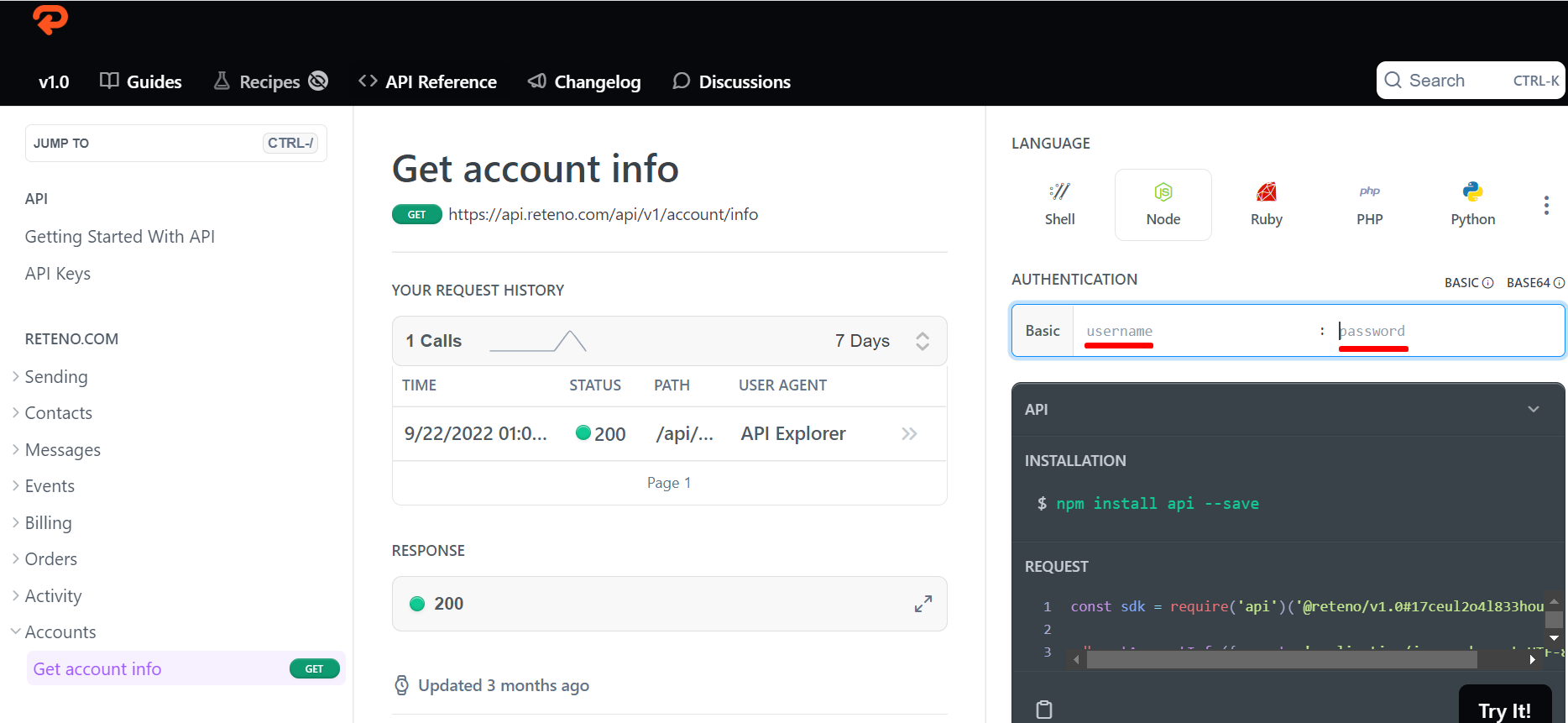
- Go to the page https://docs.reteno.com/reference/getaccountinfo-1.
- Enter your username and password, which is a copied API key, under the request example.
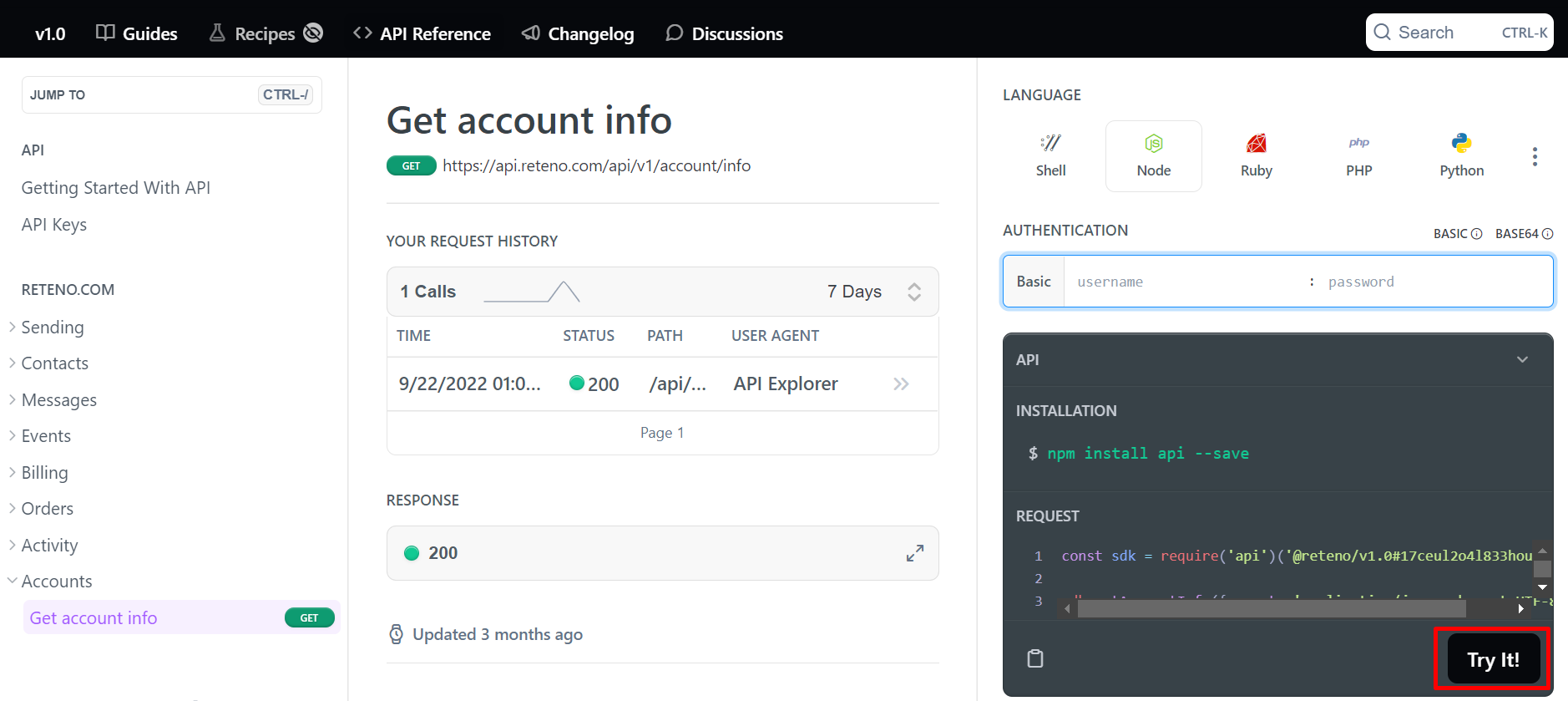
- Click Try it!
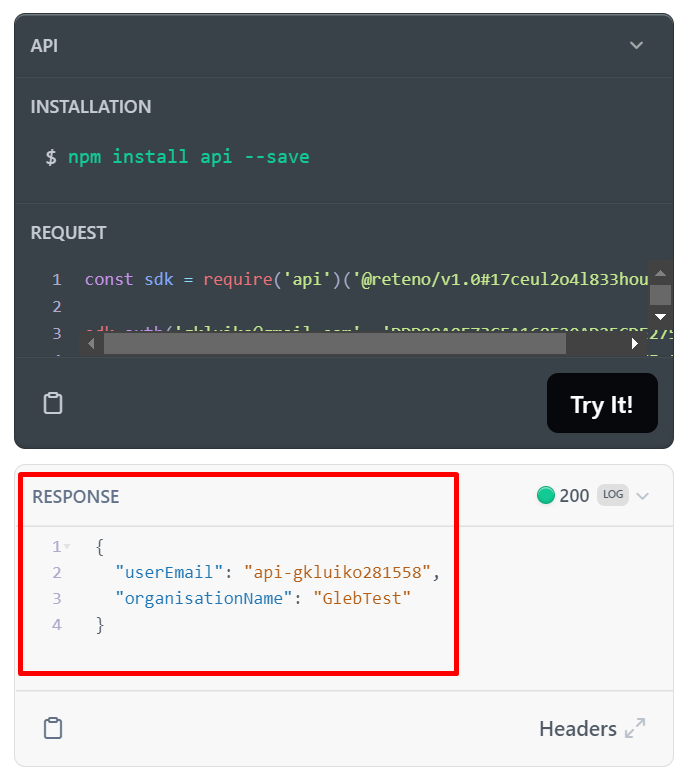
If everything were set up correctly, you would receive your userEmail and organisationName in the response.