
What’s New for May
In May, Reteno introduced an AI-powered mobile push notification generator, expanded widget capabilities, and improved segmentation tools.
Key Updates
AI Generation of Mobile Push Notifications in the One from Many Block
We've improved the One from many block by adding new AI features to create and translate mobile push messages. Message suggestions are generated directly in the block based on existing versions and sending results:
- If messages have been previously sent within this workflow, the most effective one is selected as the source for generation.
- If there is no data on the effectiveness, messages are formed based on five random ones from the block.
For multilingual messages, the system automatically offers translations of the generated suggestions.
You can generate up to 20 suggestions in one session.
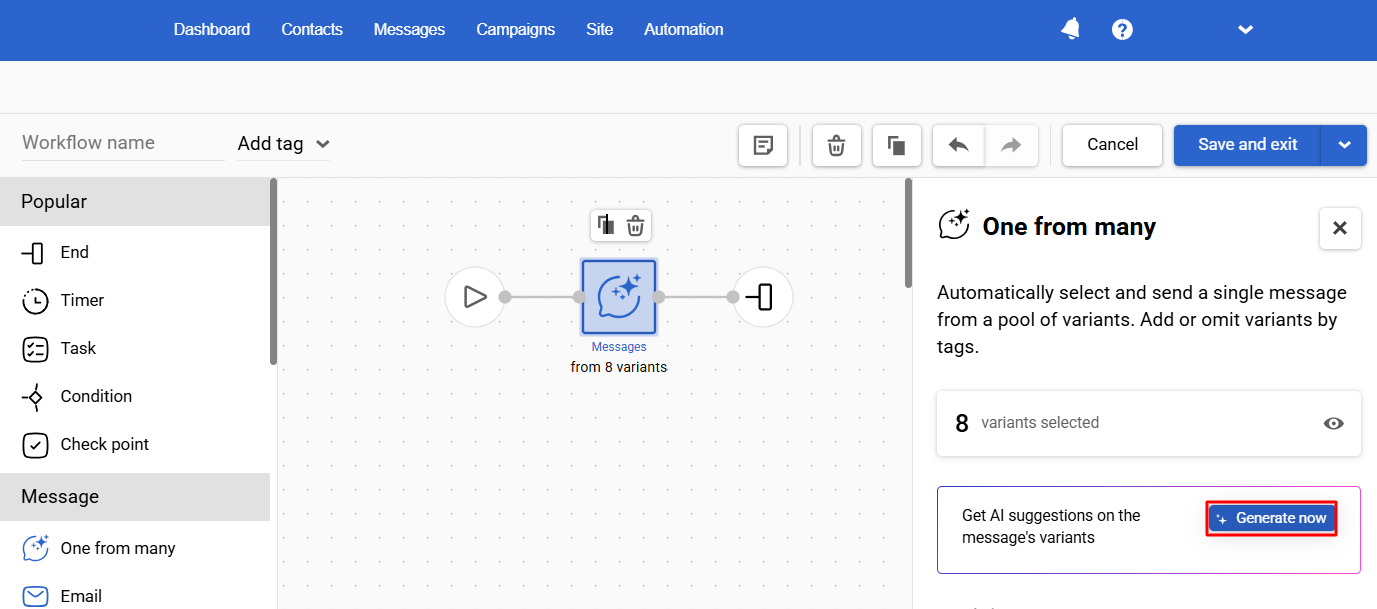
This functionality streamlines the creation of high-quality push content, saves time, and enhances communication efficiency.
Operating System Information
We’ve added new fields to webhooks for tracking contact activity and to the contactActivities export to BigQuery:
- osName — operating system name,
- osType — operating system type.
Operating system information is transmitted for all message media types, if known. This innovation simplifies the preparation of campaigns for users of different platforms (iOS, Android), considering their specificities.
List of Subscription Categories in Webhooks
When a contact's subscription categories are changed, the webhook now sends an updated list of them.
Other Updates
Segmentation
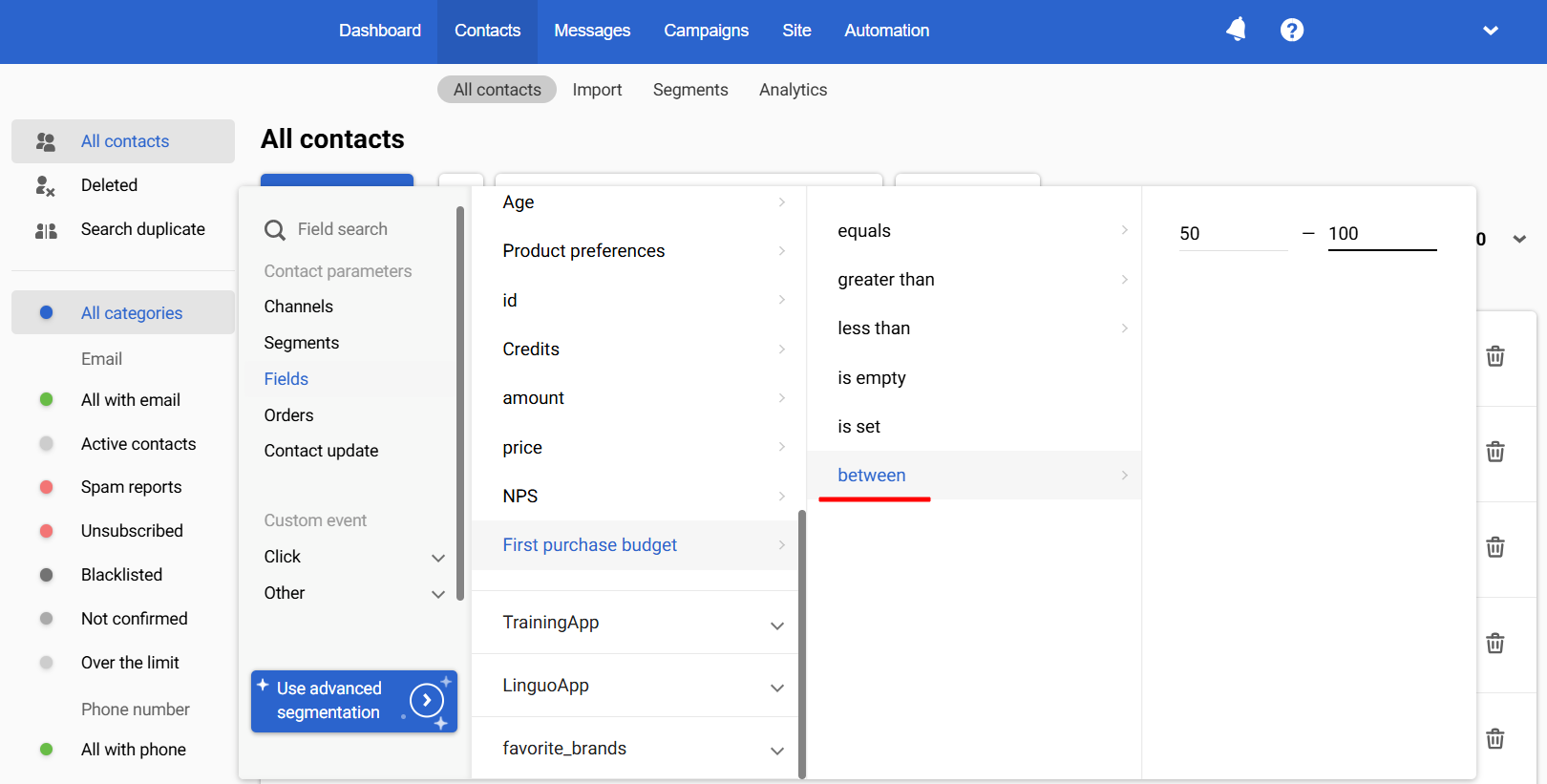
The Between Operator for Numeric Fields
When segmenting, you can now use the Between operator for additional contact fields like
- Number
- Fractional number.
This allows you to create audiences based on numeric values more accurately. For example, if you have an additional field called First Purchase Budget, you can make a segment of users with a budget of $50 to $100 and send them a relevant offer.
More about message event segmentation >
Workflows
Testing Workflows
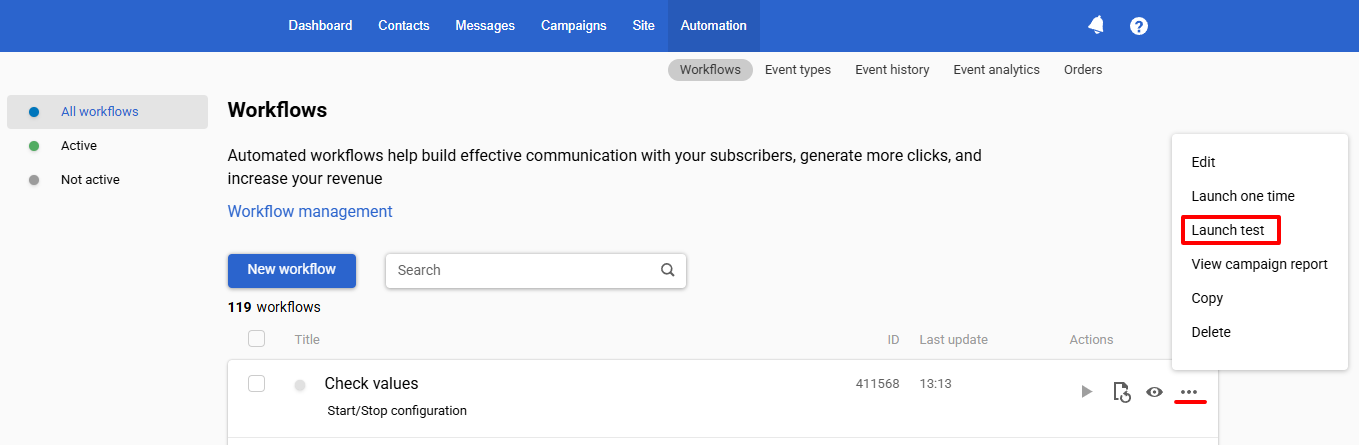
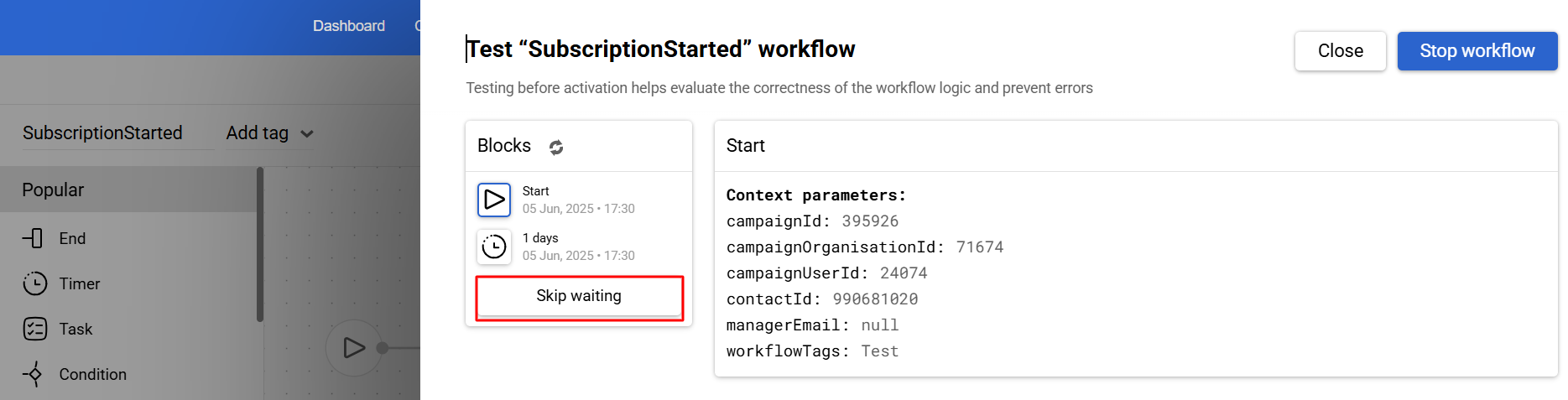
Simplified workflow testing: you can perform a test launch:
- from the list of workflows;
- from the workflow editor.
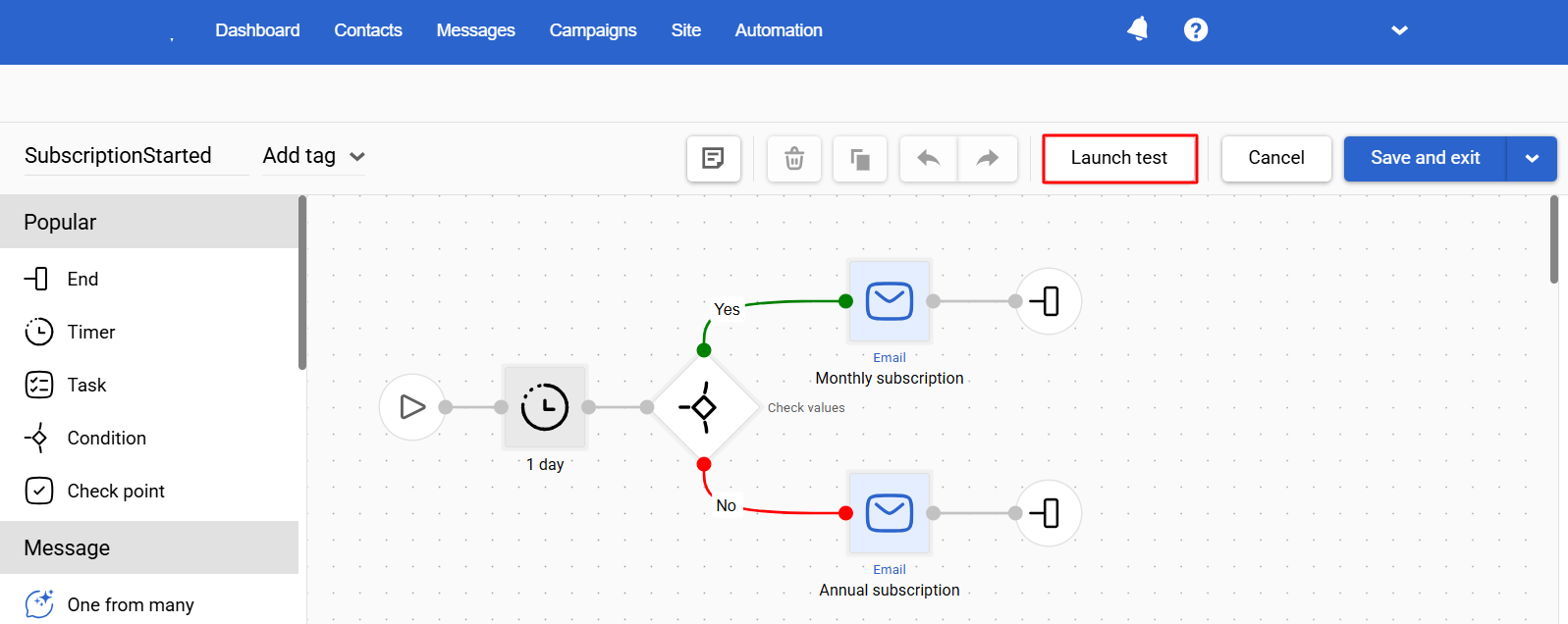
When using a timer in a workflow, you can easily skip the waiting time by pressing the corresponding button.
Additional Filter for Easy Search of Workflows with Errors
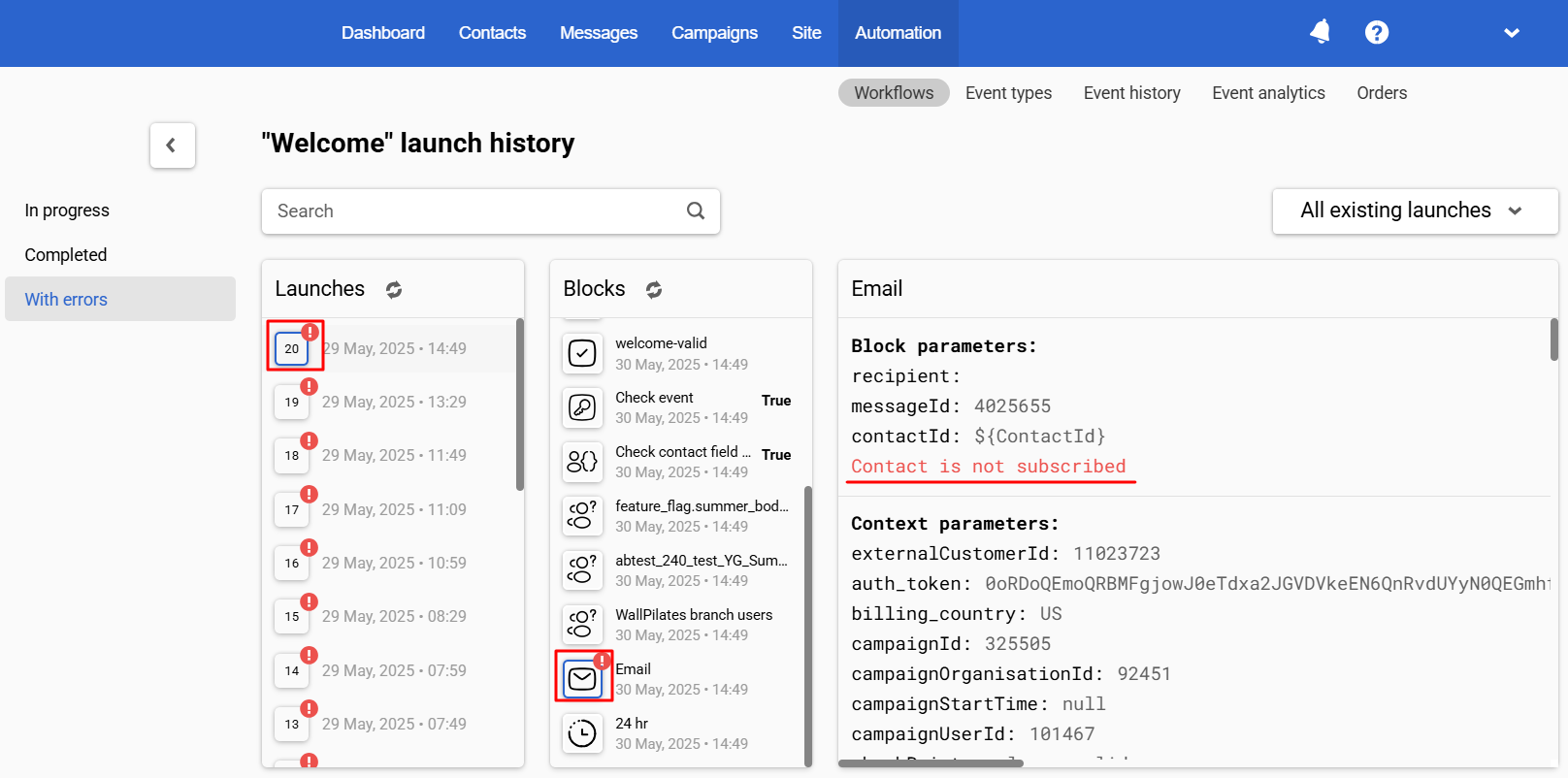
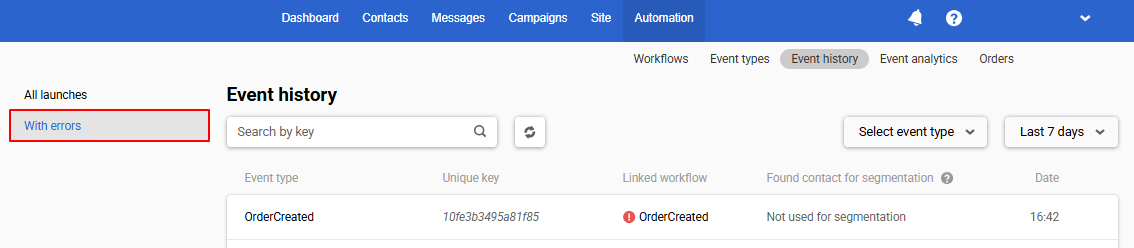
In the workflow launch history, the With errors filter has appeared on the left. With its help you can select launches in which block errors occurred, and correct them.
Widgets
Appearance Animation
Subscription forms such as popups, floating boxes, and floating bars now appear animated (unless the display rules specify Immediately).
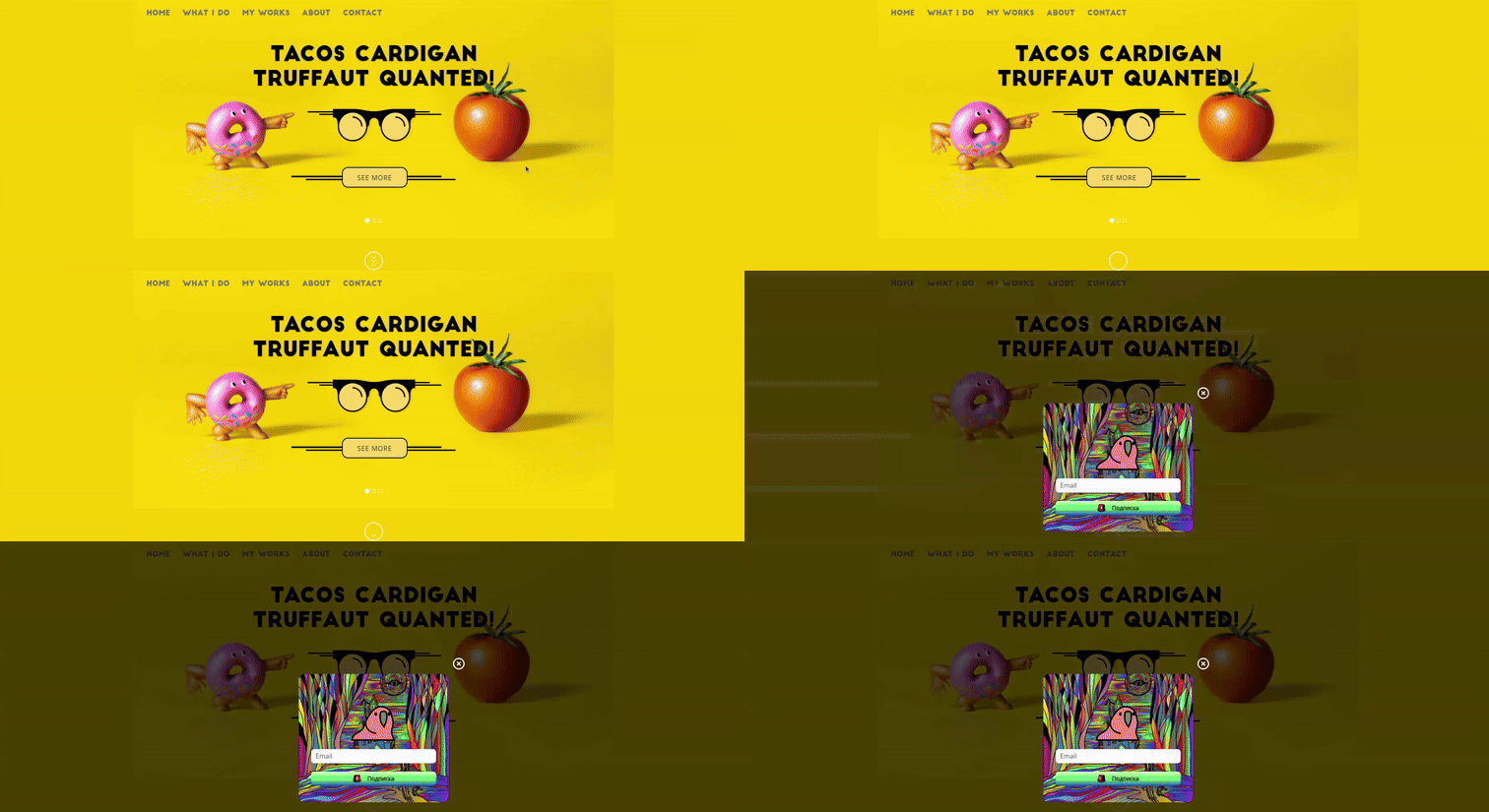
Animation allows widgets to appear smoothly, drawing more attention without being intrusive.
Event Support for NPS and Rating Components
Processing data from the NPS and Rating components as event parameters is now possible. This gives more flexibility for further analytics and automated responses to survey results.
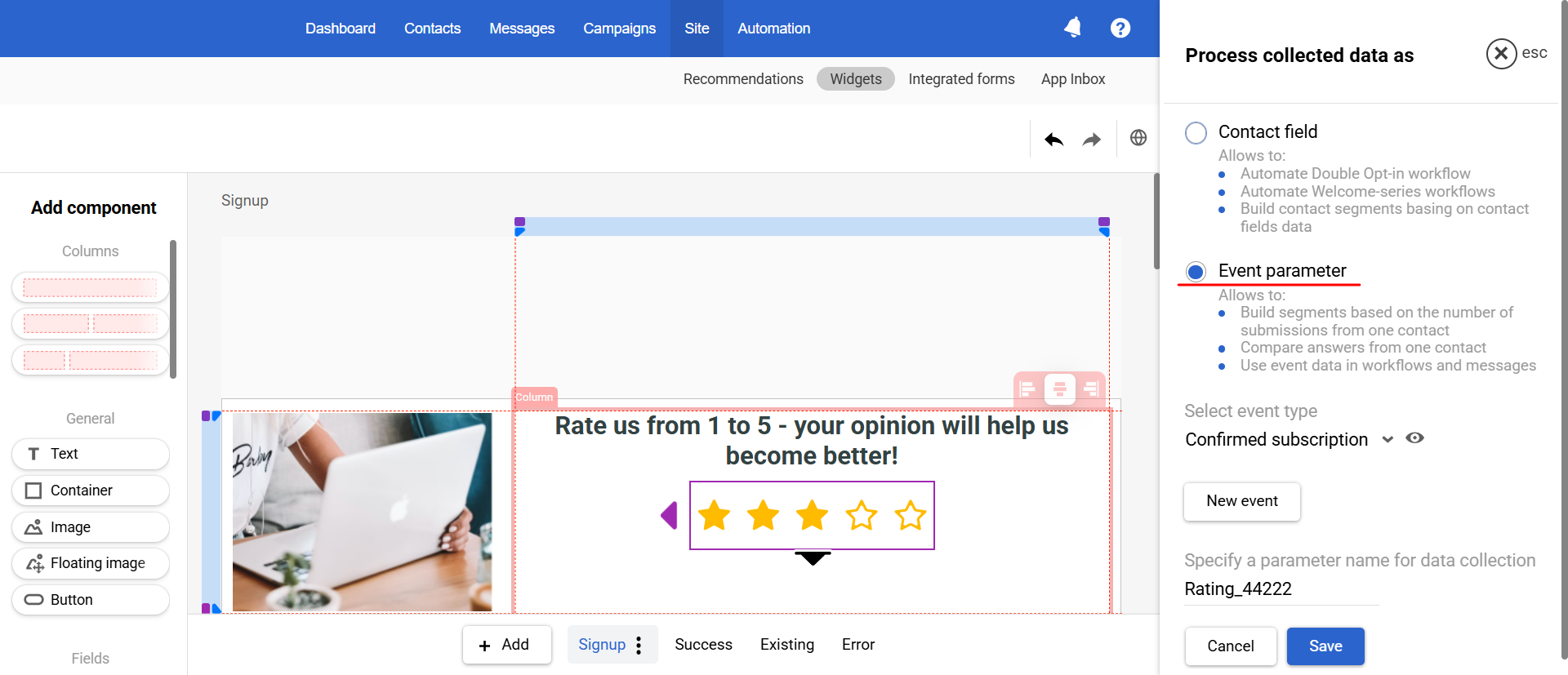
You can use multiple NPS and Rating components in the form and select a separate or the same event type for each.
Each event will contain:
- Contact data (email, phone, additional fields) that will enrich the contact profile in Reteno.
- The corresponding NPS or Rating value.
Tags for Test Messages
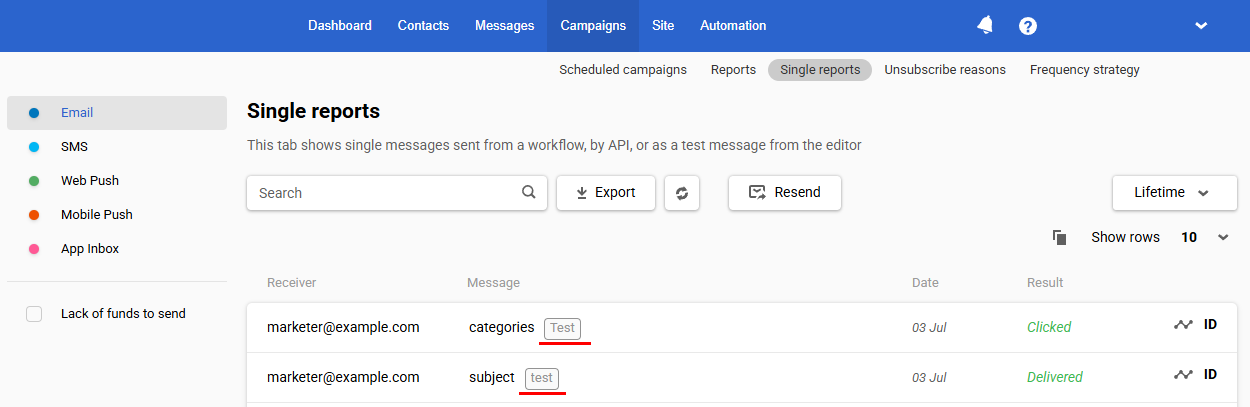
To make it easier to identify test messages in single reports, the system automatically adds tags to them:
- test – for messages sent via the editor;
- Test – for messages sent by a test launch of the workflow.
Advanced Period Selection
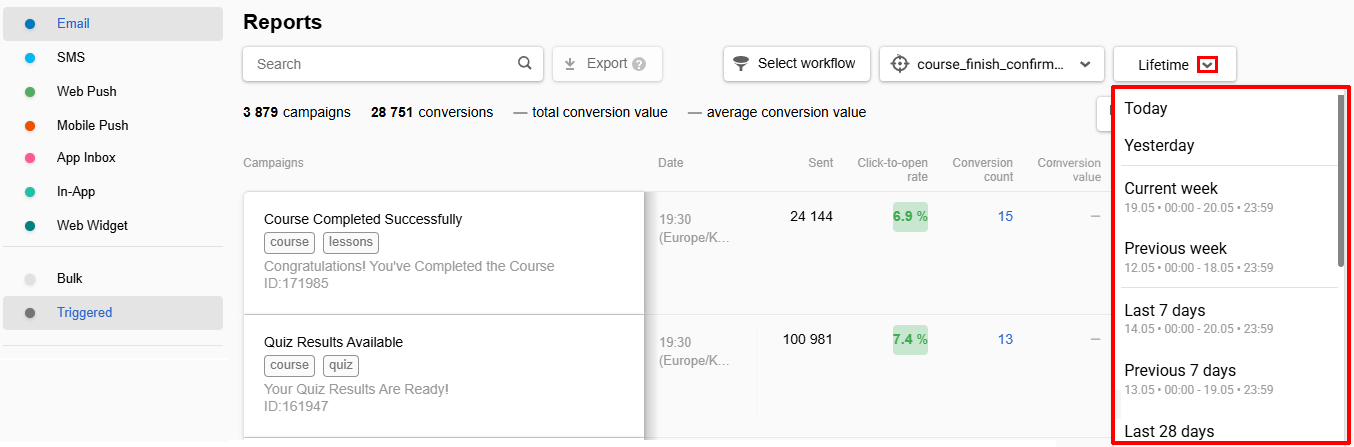
We have improved the selection of time periods to make it easier for you to analyze data. The following periods have been added:
- Yesterday
- Current/Previous Week
- Current/Previous Year
Also, when selecting a period, reports display specific dates within the specified period.
Errors in Event History
Error events are now displayed in a separate tab, making them easier to analyze and fix.
Updated 4 months ago