
AMP Technology in Emails
AMP is a technology from Google, which is able to boost your sales. How? Continue reading to find that out.
However, before considering use cases in eCommerce, let’s dive into the particularities of AMP.
Accelerated Mobile Pages (AMP) is an open-source framework that was initially developed to optimize websites and emails. But after a while, the technology gave marketers so many opportunities to significantly improve the user experience by adding interactive elements to their letters (carousels, CTA buttons, different forms, surveys, quizzes, and so on).
The functionality of AMP for emails is poorer than for websites but it’s enough to blow users away. According to research, 60% of email recipients are likely to engage with interactive letters. As evidence of the statistics, we would like to cite some A/B test results. There were 23 thousand recipients who had to fill out a questionnaire. One part of the users received an interactive form while the other part got an ordinary one. Marketers were surprised: there were 5,2 times more AMP form submissions.
When is AMP Worth Your Attention?
You should adopt AMP tools if:
-
AMP emails provide you with additional value and benefits. Using AMP is justified if you wish to present a variety of products, communicate with the audience faster and easier, or surprise your customers. In other cases, you had better consider “traditional” emails, the development of which takes less time because you don’t have to prepare two versions of the letter;
-
Your subscribers use appropriate email clients. Unfortunately, not all mailers support AMP, so before using it, you should conduct a small research on your audience. Gmail is the most preferred (it correctly displays all existing AMP tags).
By the way, with Reteno, don’t worry about the correctness of the email display. Use a convenient drag-n-drop builder to create an HTML version of your letter and then add AMP elements. If some of your clients’ mailers don’t support AMP, the brick-and-mortar email without interactive elements will be shown. Moreover, there are users with mailers, which don’t even support HTML. Such customers will receive plain text. Thus, your message will be readable anyway.
NoteThere's no fallback link to a browser/web version of the email from the AMP version itself.
If necessary (for example, to add custom blocks), you can easily edit the HTML code. Use Reteno tools to ensure that everything is displayed correctly.
Today our system has already configured such AMP elements as:
- Carousel,
- Accordion,
- Surveys.
With their help, any of our clients can make, for example, such interactive mailings:
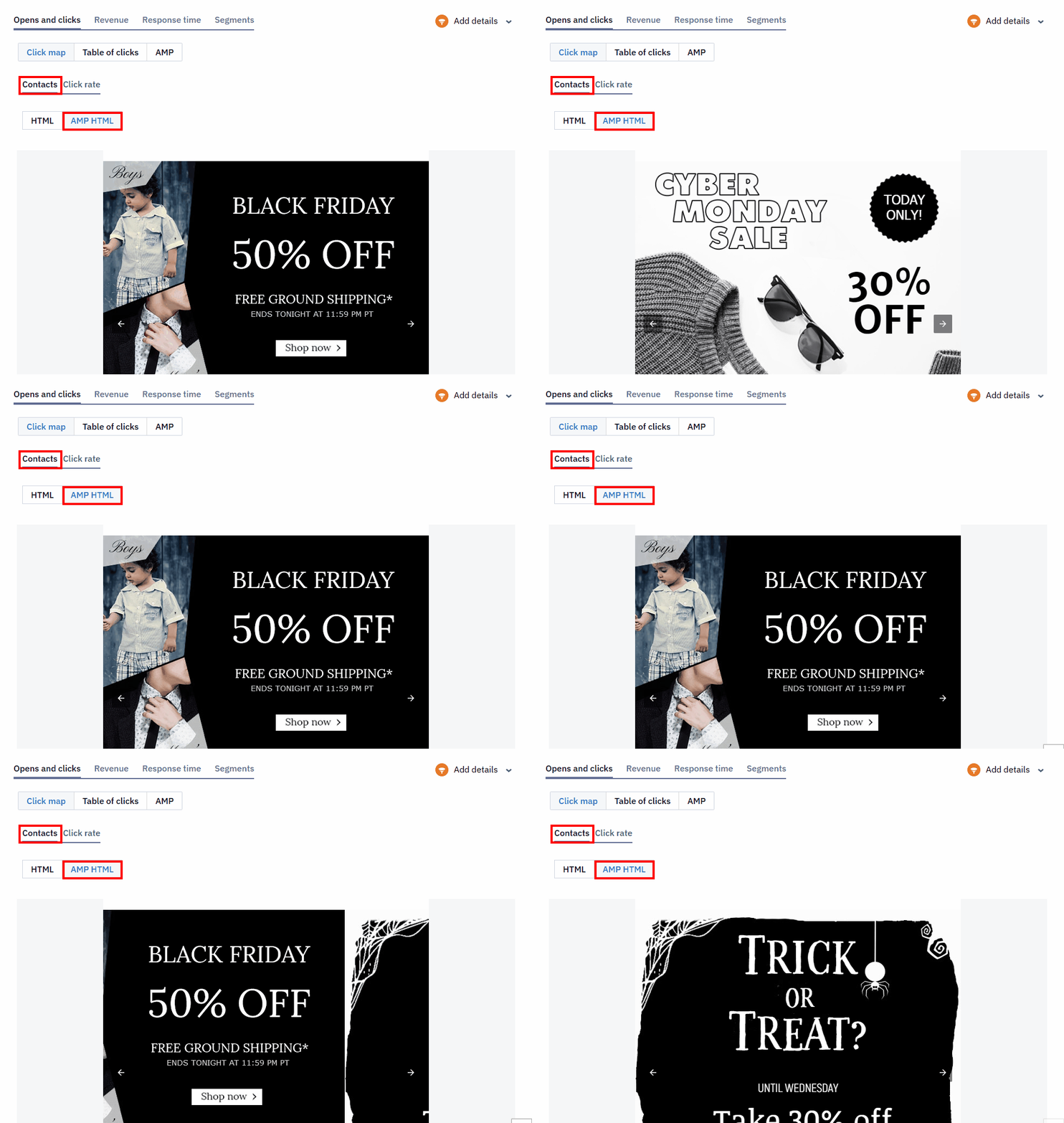
By easily adding an AMP block to an email, you will receive a detailed report on its effectiveness at the end of the campaign.
Now, let’s take a look at the advantages when using AMP for emails.
ImportantYou should ask Google Support to whitelist the address from which you are going to send emails (you can read about it in our article How to Apply for Sending AMP-Powered Emails within Gmail.)
Dynamic Forms
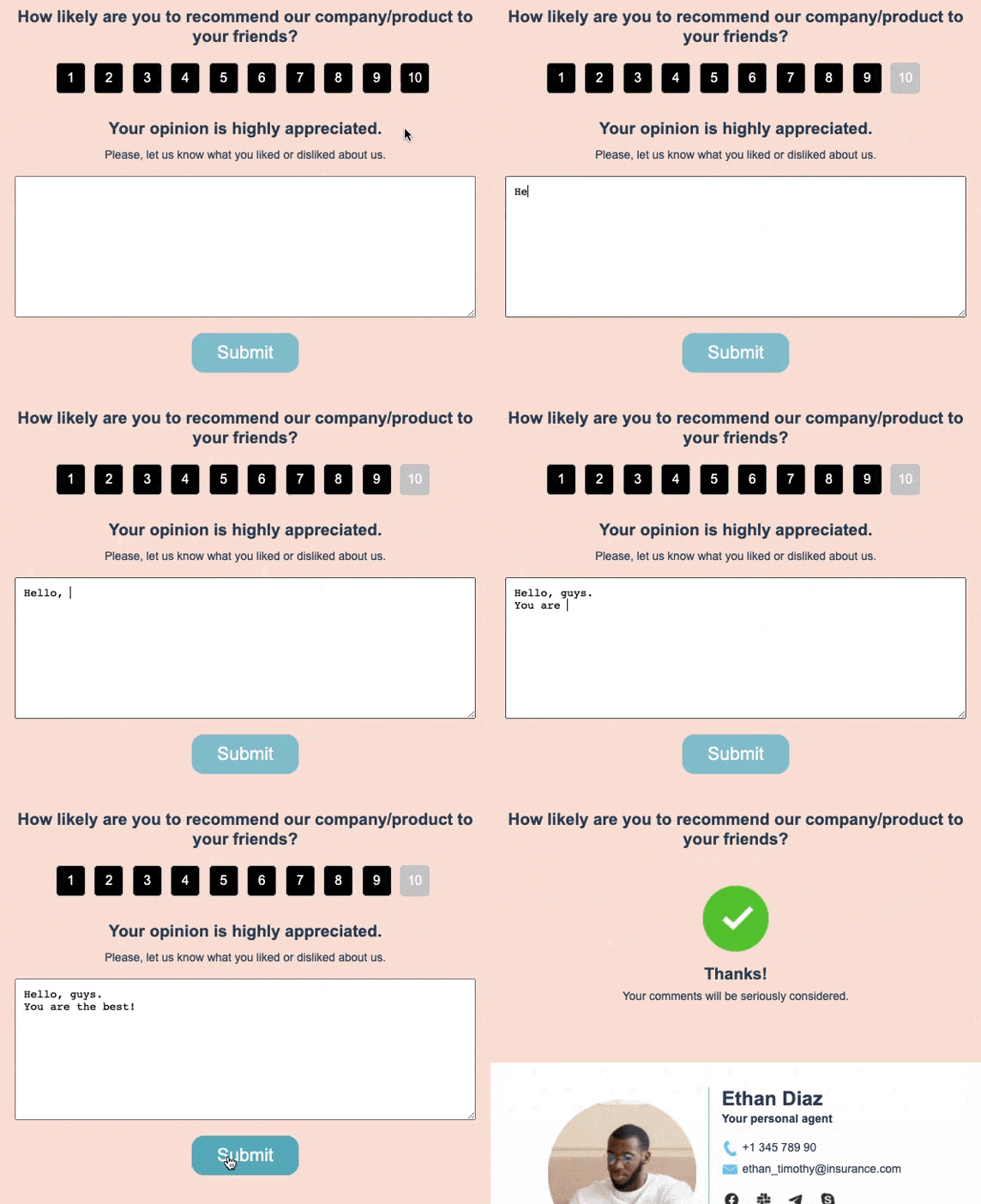
How often do you ask clients to follow a certain link for filling out a form on your website? With AMP, you can embed them in emails. Such solutions are extremely convenient if, for example, you need to clarify delivery data or get buyers to rate your service/products and leave feedback
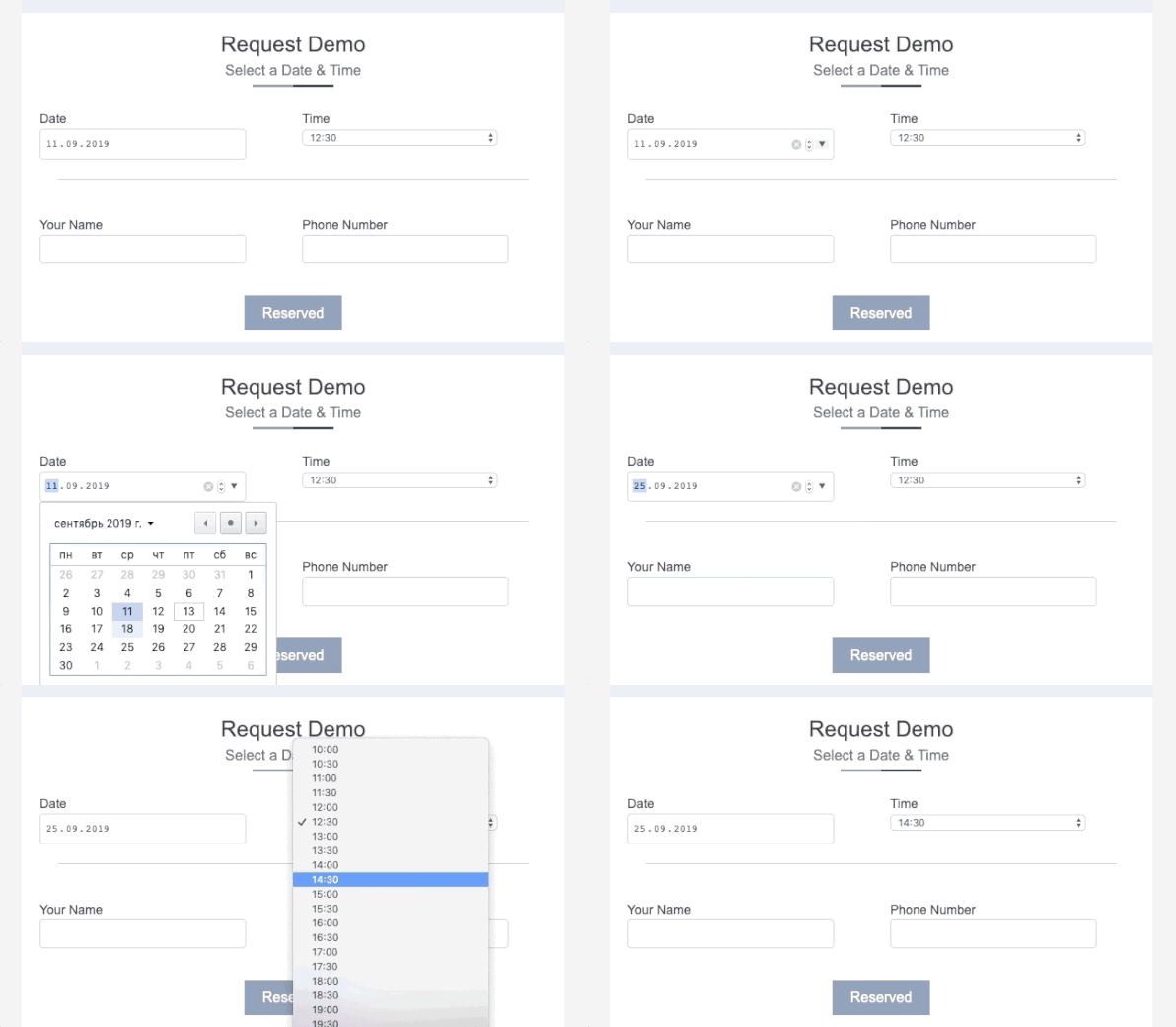
The AMP technology also allows you to create forms for appointments or meetings. Users can choose the most convenient day and time directly in emails. Hotel businesses, beauty salons, and some other industries will definitely benefit from it.
Dynamic forms will be useful to get to know new customers: just send a little questionnaire to figure out the necessary information.
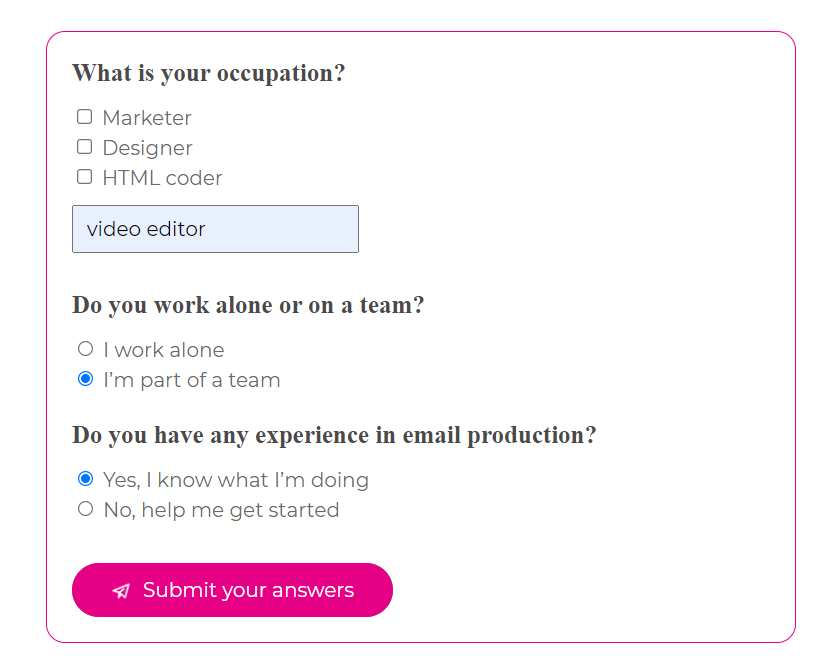
Or study customers’ preferences and needs to offer relevant products/services.
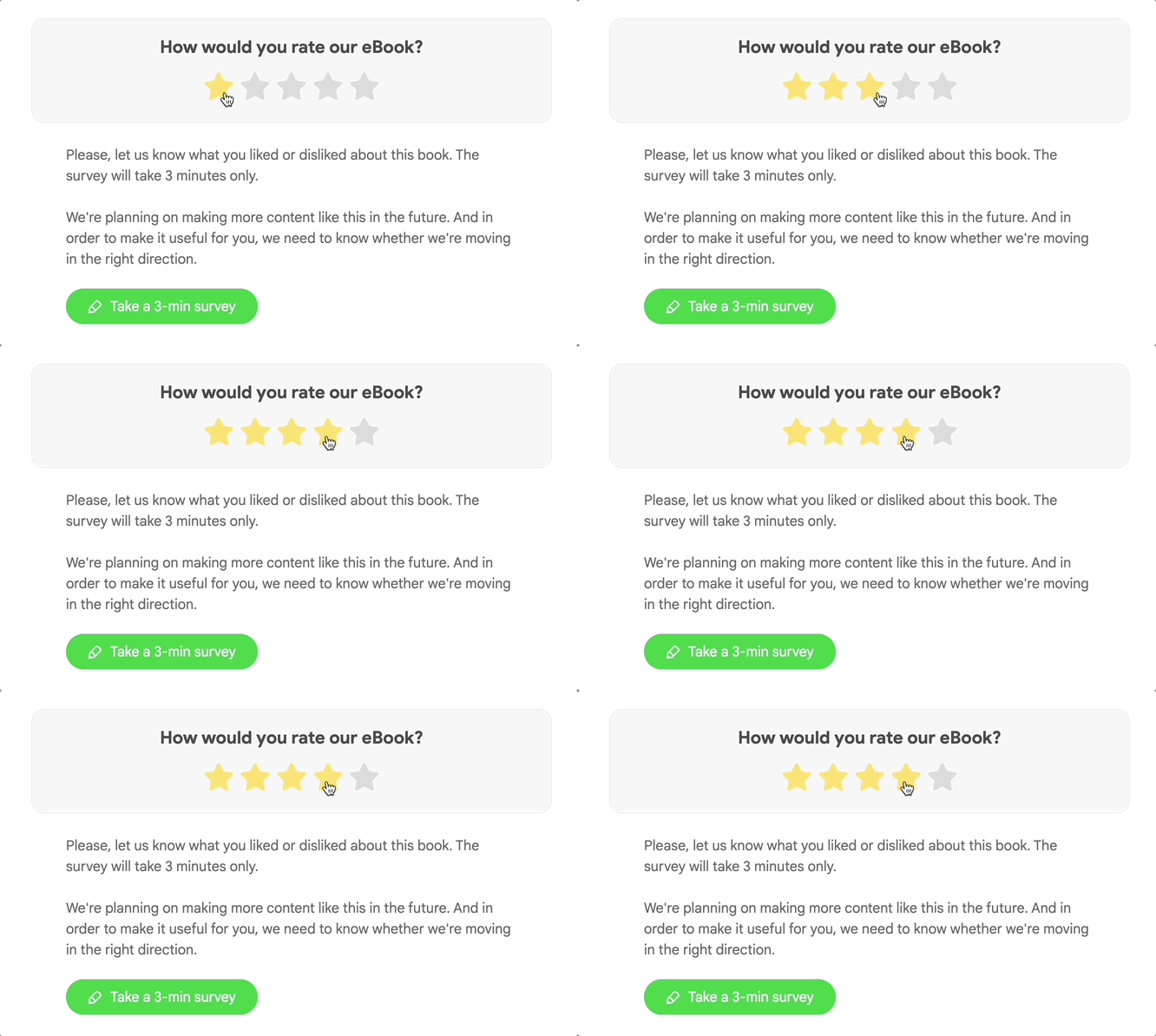
And the last noteworthy use case is voting to find out customers’ opinions. Let your audience participate in decision-making to provide them with the best service and show your care.
It’s easy to create surveys and other forms in our email builder. Open the link for more details.
Carousel and Slideshow
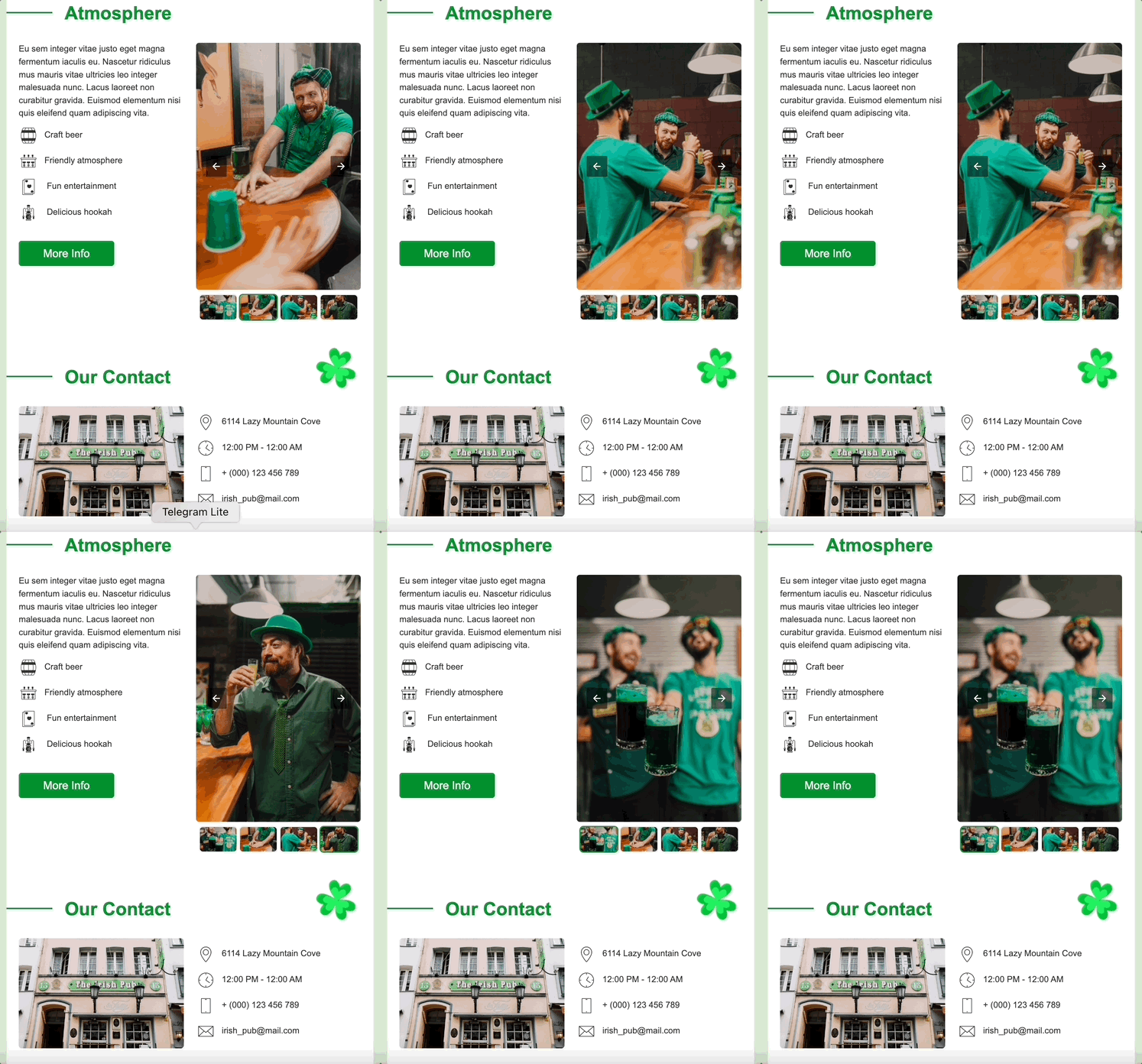
It’s a wonderful tool for quickly presenting your products, services, important updates, and other things. Carousels save space in emails and, more importantly, involve people in interacting with your materials.
Accordion
This feature is about hiding certain content in your emails. Such an opportunity is helpful when you need to present all available offers without overwhelming the letter. Users should just click on a header to see wrapped text, images, videos, and even carousels.
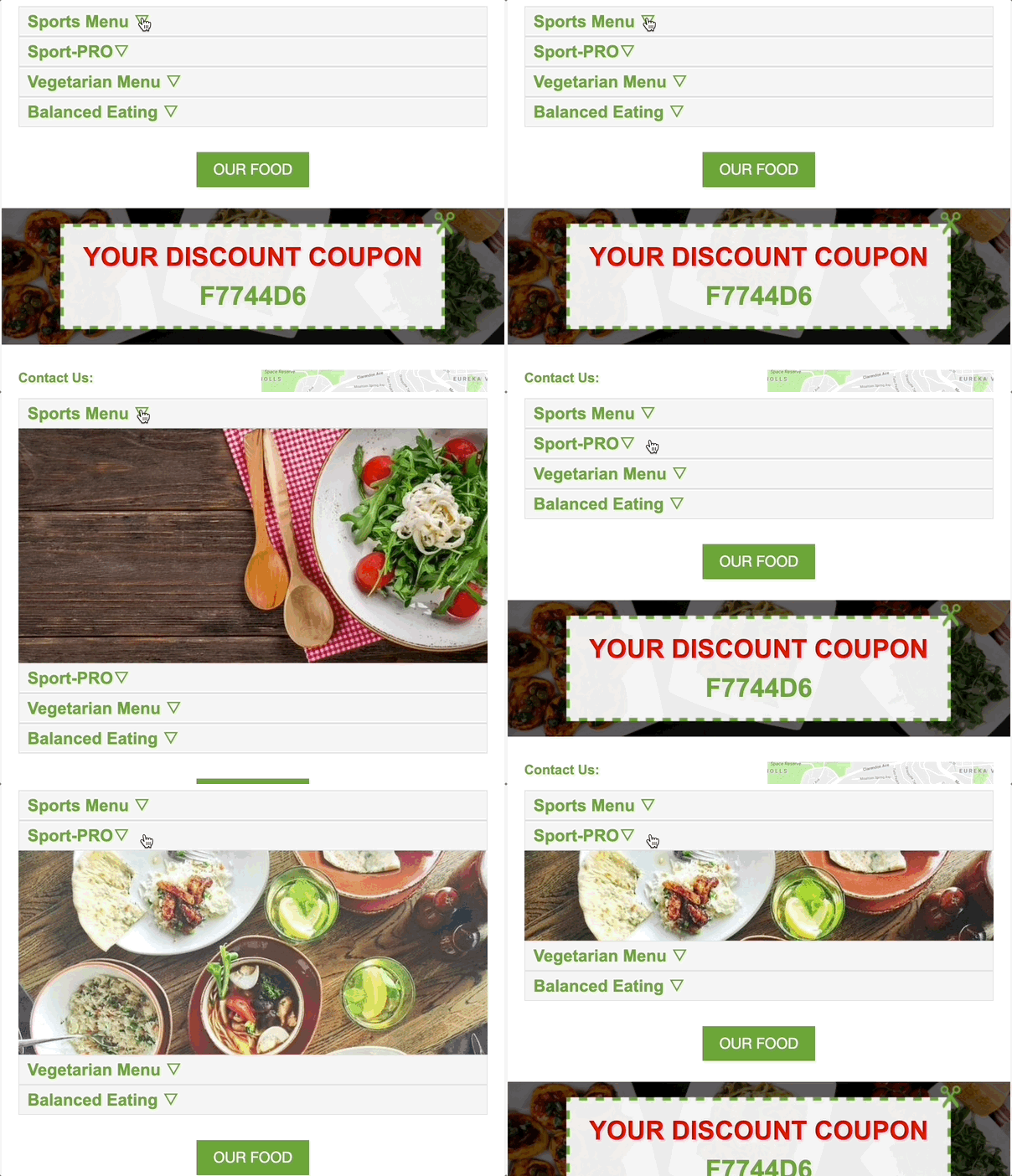
An accordion can also be used for adding the FAQ section, service lists, and catalogs.
Save people from having to read everything instead of just the things they need.
CTA Buttons
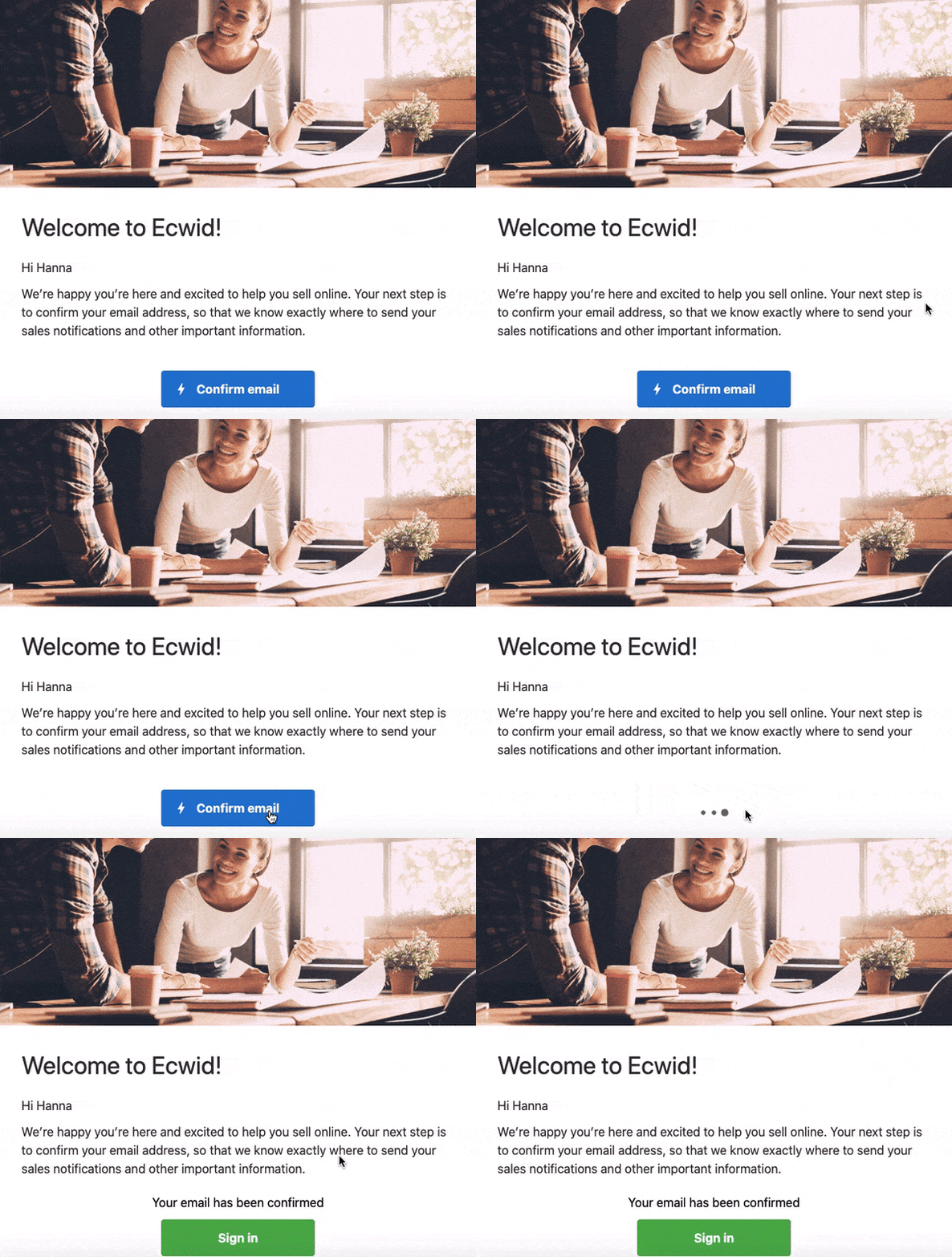
There are many cases when a marketer wants a client to subscribe to newsletters or confirm certain actions (for example, changing a credit card in the account). AMP buttons allow doing that without going to any website.
Games
Email gamification is a unique method of enticing users and improving customer retention. The only drawback is the complexity of email development.
So, what games can you create and for what purposes? Actually, the types of games are limited only by your imagination. About goals: games and quizzes in emails are usually developed for fun. When users pass them, they receive coupons, discounts, and the like. This approach is much more effective than brick-and-mortar emails with promo codes inside.
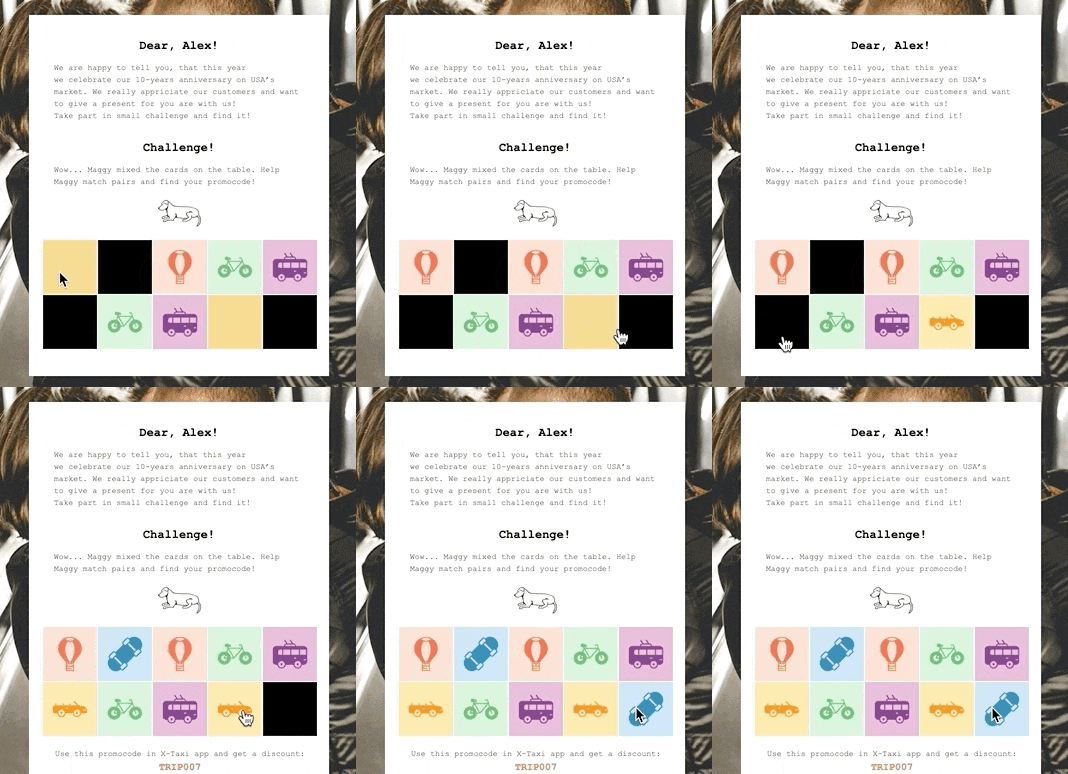
Matching images

Catching books that are falling off the shelves to get a promo code
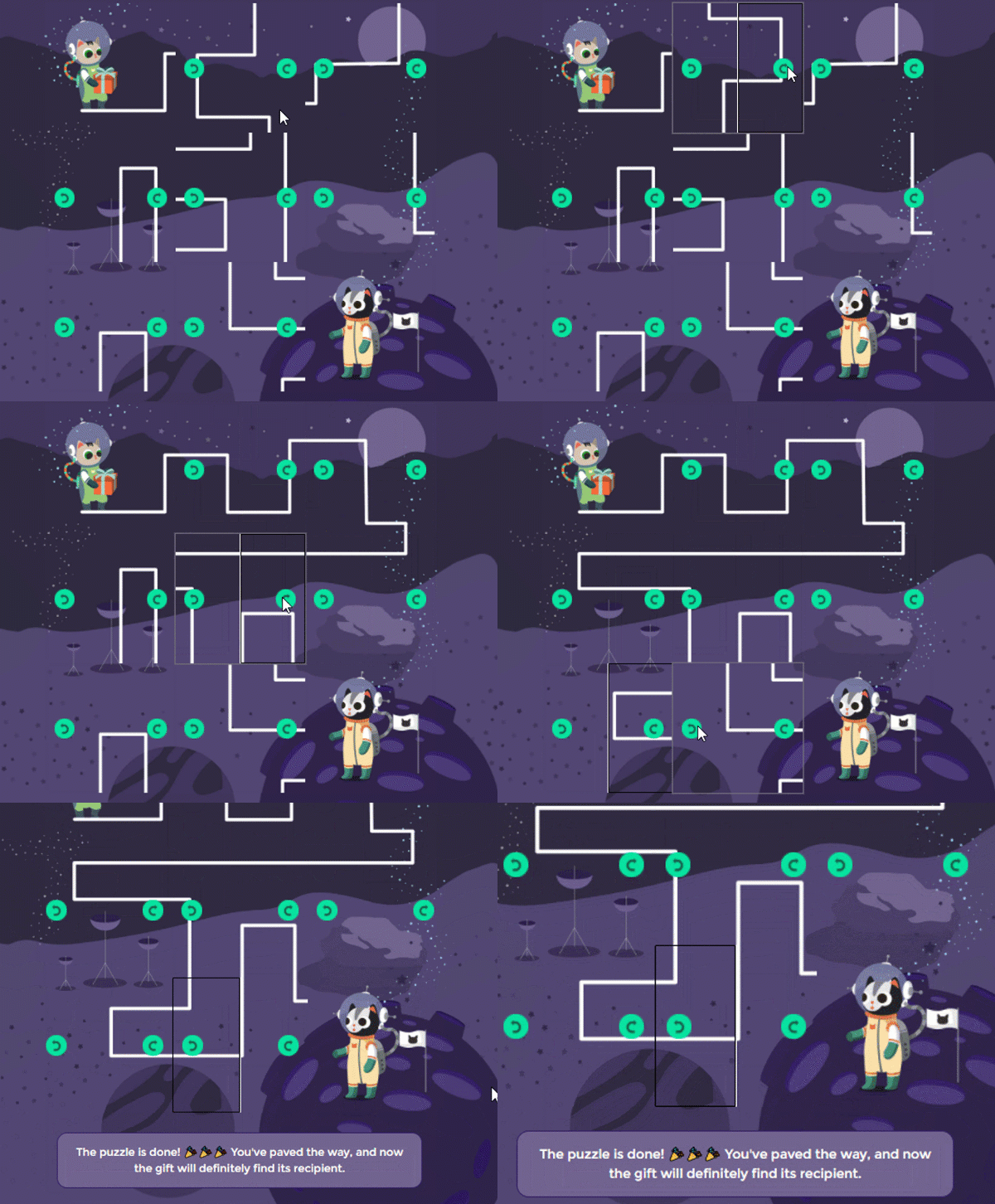
Collecting a maze so that the cat son can reach the cat father (Father's Day game)
Don’t want to develop a full-fledged game? Well, there are numerous other options. Below, we have listed the most popular ones
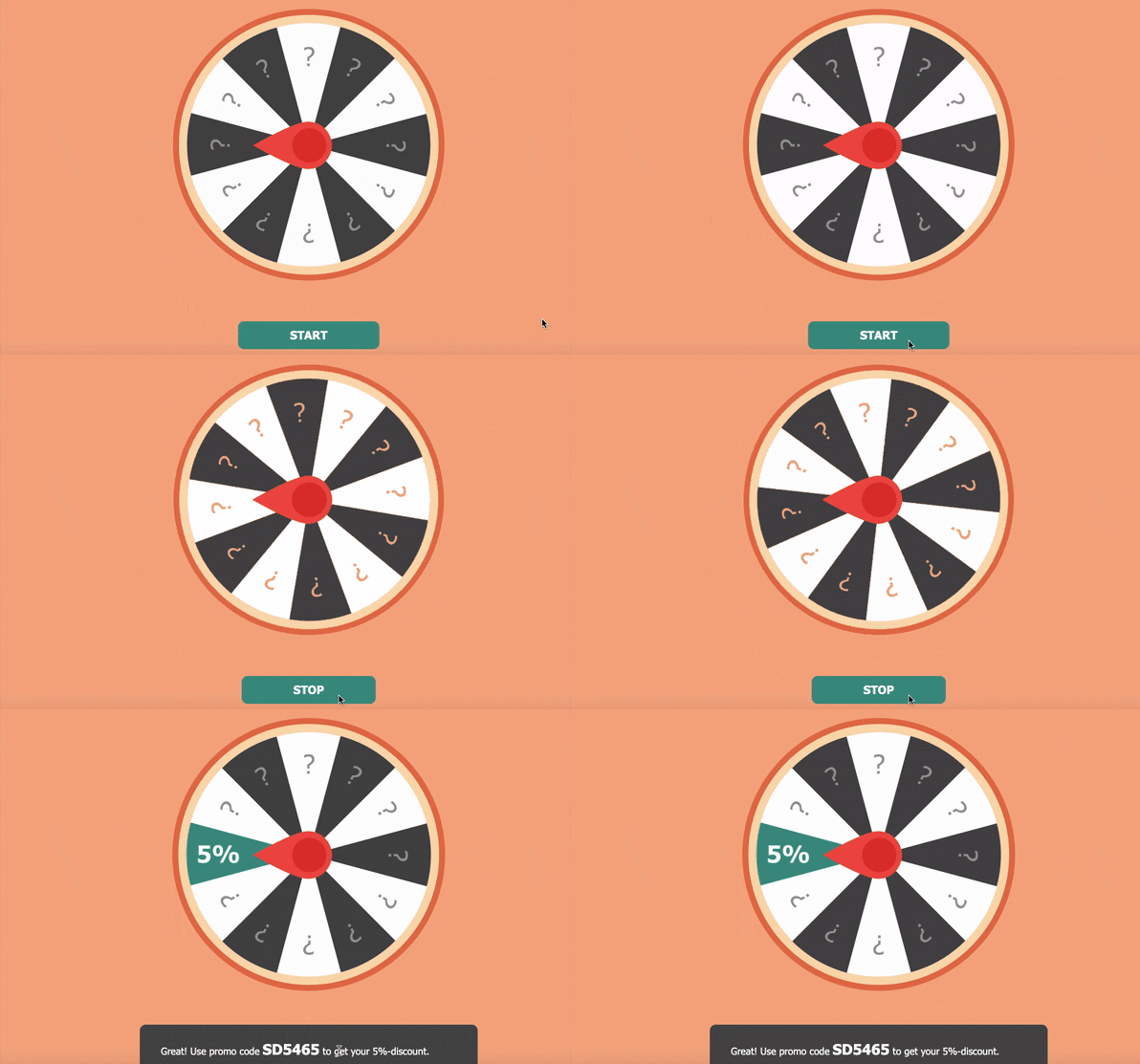
Wheel of Fortune
Customers have to spin a wheel to get prizes. You can use this interactive regularly for different sales and events.
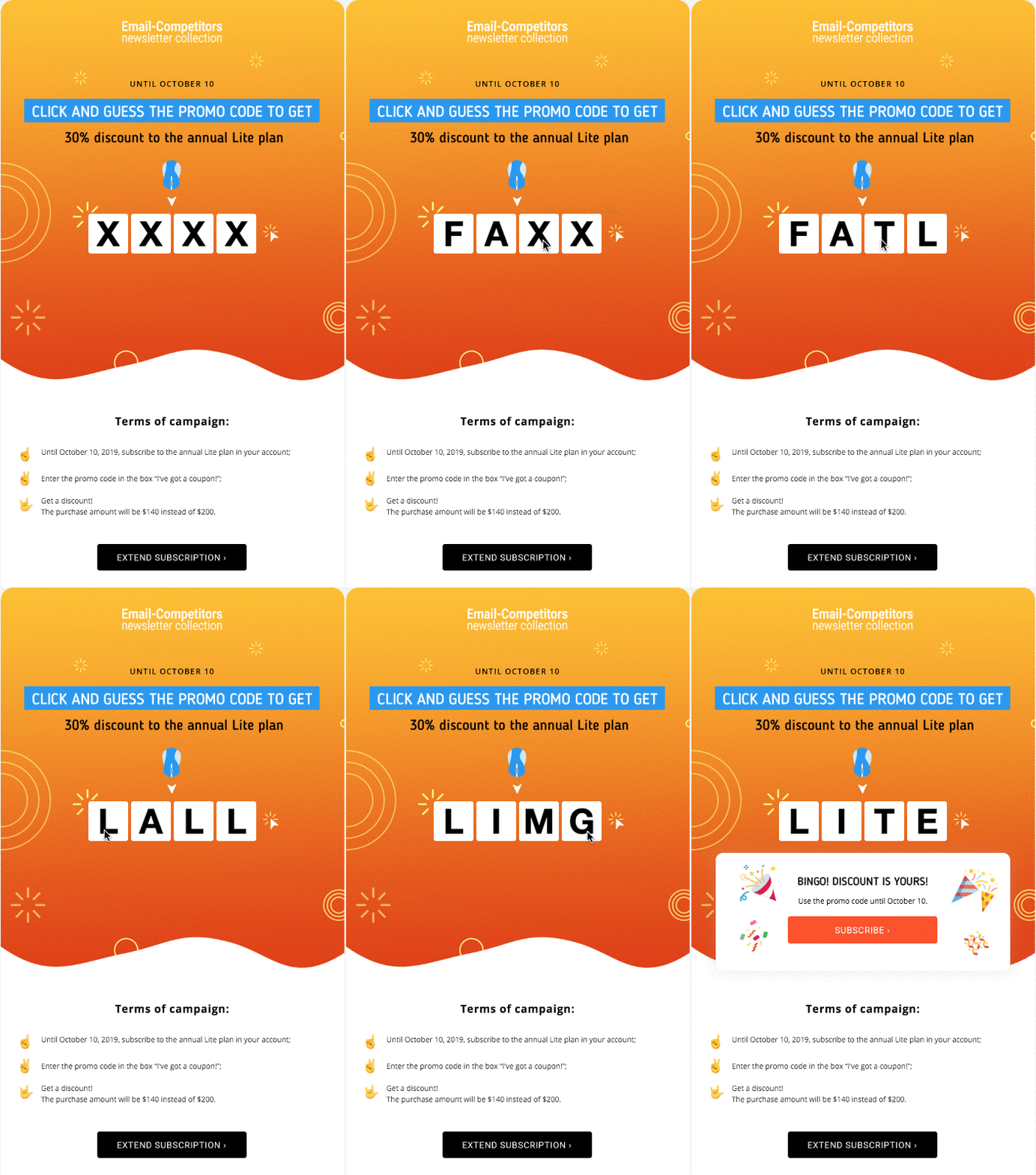
Quiz
This challenge can be developed once and then used with minor changes (images and text).
Scratch Cards
It’s just a slightly complicated way of providing promo codes and discounts. A reward is hidden from the user. Most clients have fun when trying to discover what they received.

Source: Email Uplers
Calculators
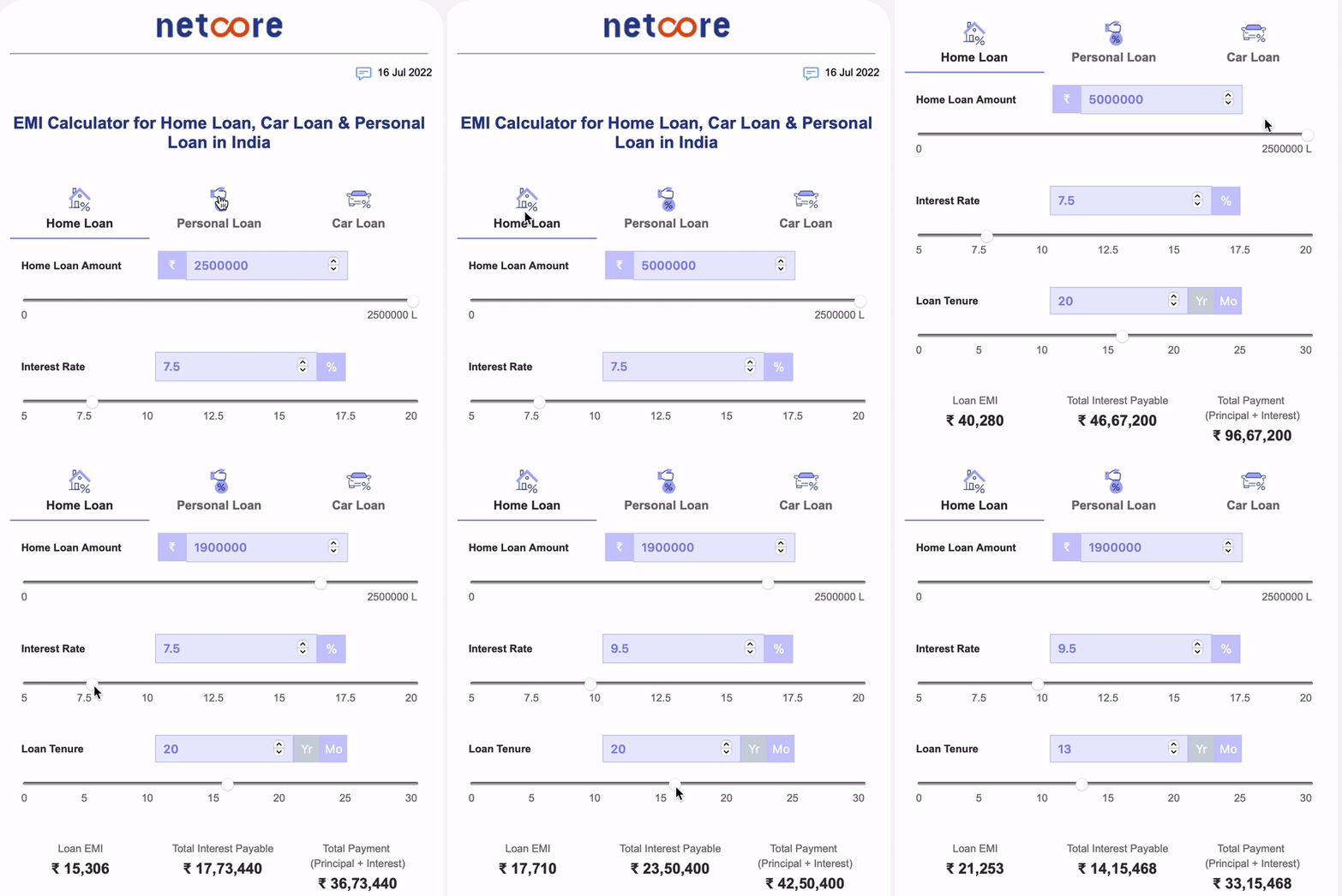
Such elements are similar to games: they require development in each case (ready-made solutions are absent in most email builders). Calculators are a must-have feature for numerous businesses, including in the retail field (for example, in order to calculate the right amount of wallpaper to buy).
Product Options
This goes aside from all the mentioned AMP features. If you promote a certain product in your letter and it has options (different colors, sizes, or flavors), let users see them.
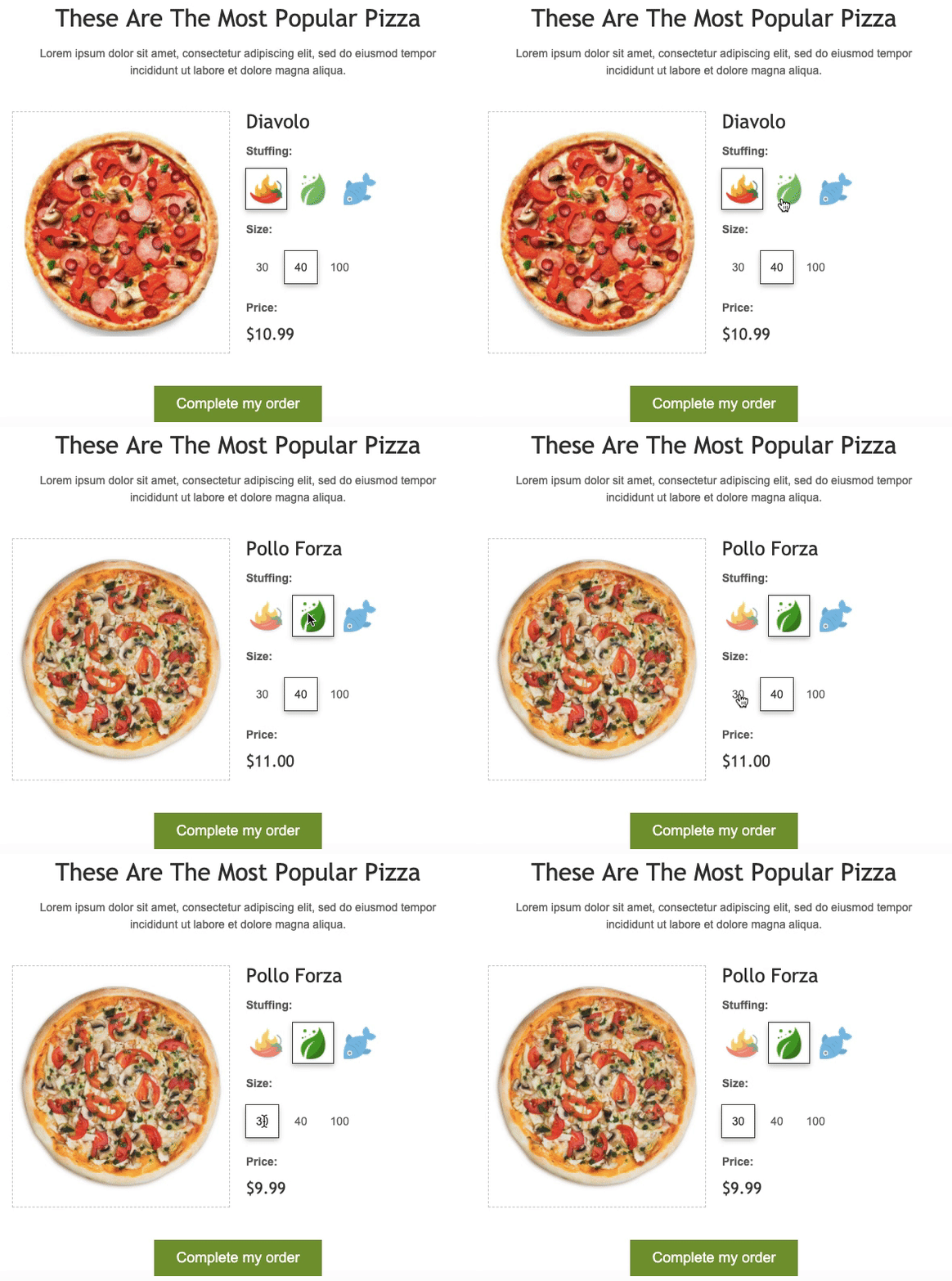
You can also go further: develop a mechanic where the user combines pairs of goods. It is especially applicable to clothing stores. Such a feature is like a game, which gets customers excited.

Provide your customers with the opportunity to place orders directly in emails using the listed in this article AMP tools. It’s especially relevant for abandoned carts. Or you can offer complementary goods in this way.
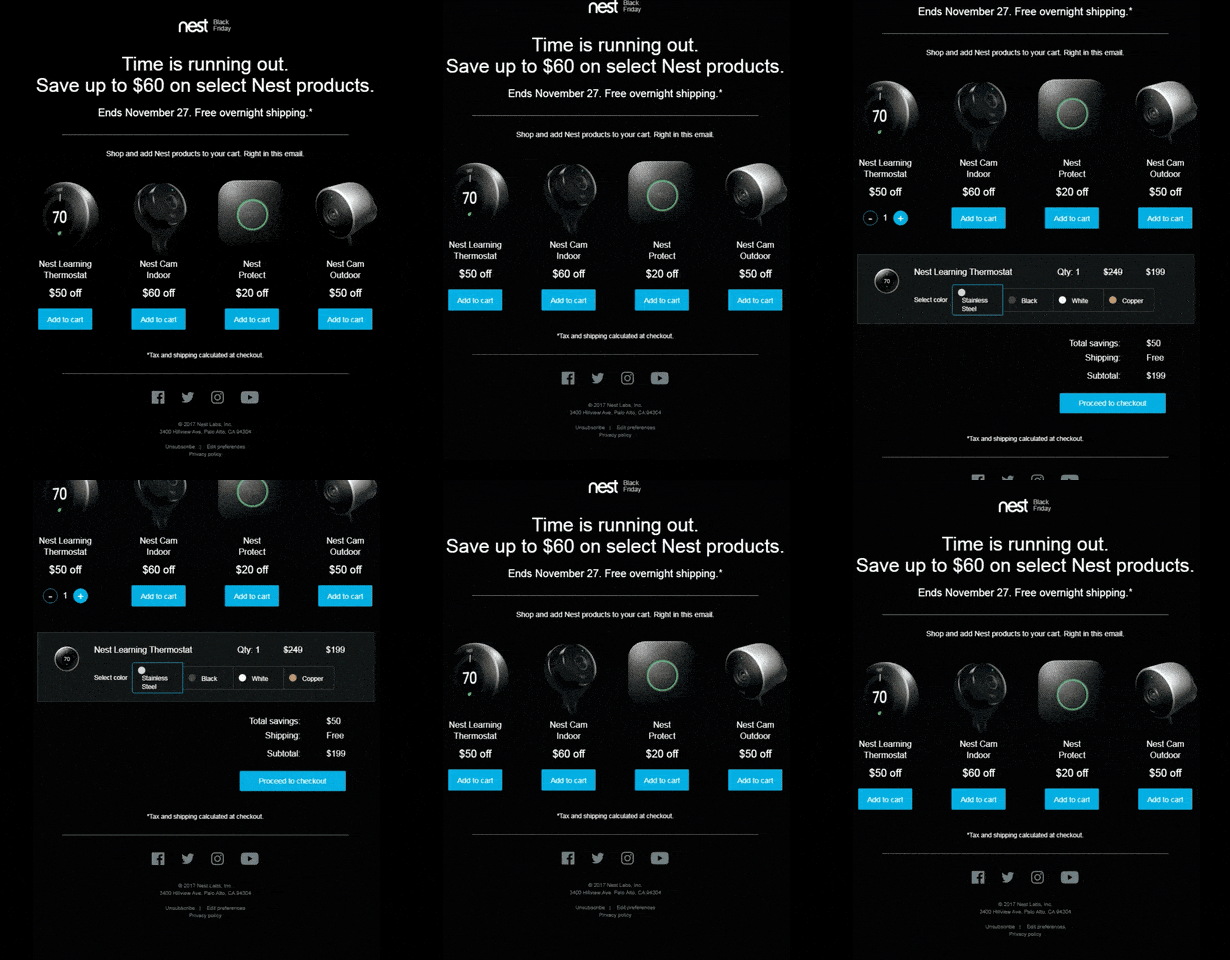
Regarding prices, descriptions, and other information about products: AMP allows programming letters so that users see recent data each time they open your interactive email (the necessary data is updated automatically).
Summing up
Thus, AMP marketing activities are a great way to stand out among thousands of other companies. The “proper” use of the cited tools will improve the effectiveness of your email campaigns, which is a key to increasing your revenue.
Easily implement your ideas with the help of our services. Use ready-made email templates with AMP features or develop your own solutions. Leave a request for AMP launching and we will contact you.
Updated 3 months ago