
What's New for December
In this digest, you’ll find a quick overview of new features in workflows, widgets, and other channels that will help you improve communication performance, test hypotheses faster, and better control content quality.
You can view the November updates via this link, and the current SDK versions in this section.
“One from Many” Block: Performance-based Filtering
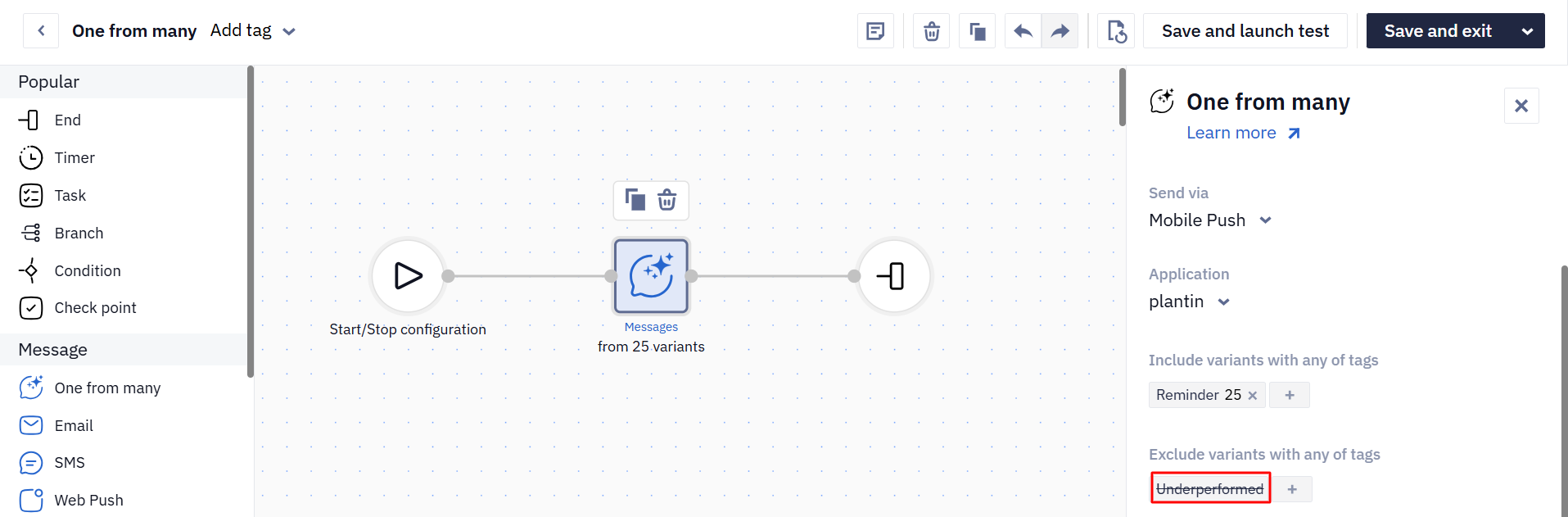
The system now automatically excludes lower-CTR messages from the One of many block, allowing the system to select variants that perform better more often.
How the system identifies underperforming messages:
-
The message has more than 100 sends within a single workflow.
-
The probability of selecting this message is below 2%.
In the workflow editor, in the One from many block settings, messages that receive the Underperformed label are stopped from being sent. This ensures that only the messages delivering the best results remain active in the workflow.
Benefits for you:
-
Less budget “wasted” on weaker messages;
-
Faster improvement without manual optimization.
Widgets
New Gamified Component: “Treasure Hunt”
Your website visitors can now take part in a treasure-hunt challenge, and you get an additional way to collect their contact details.

Information about all available gamified components can be found at the link.
Interactive Preview
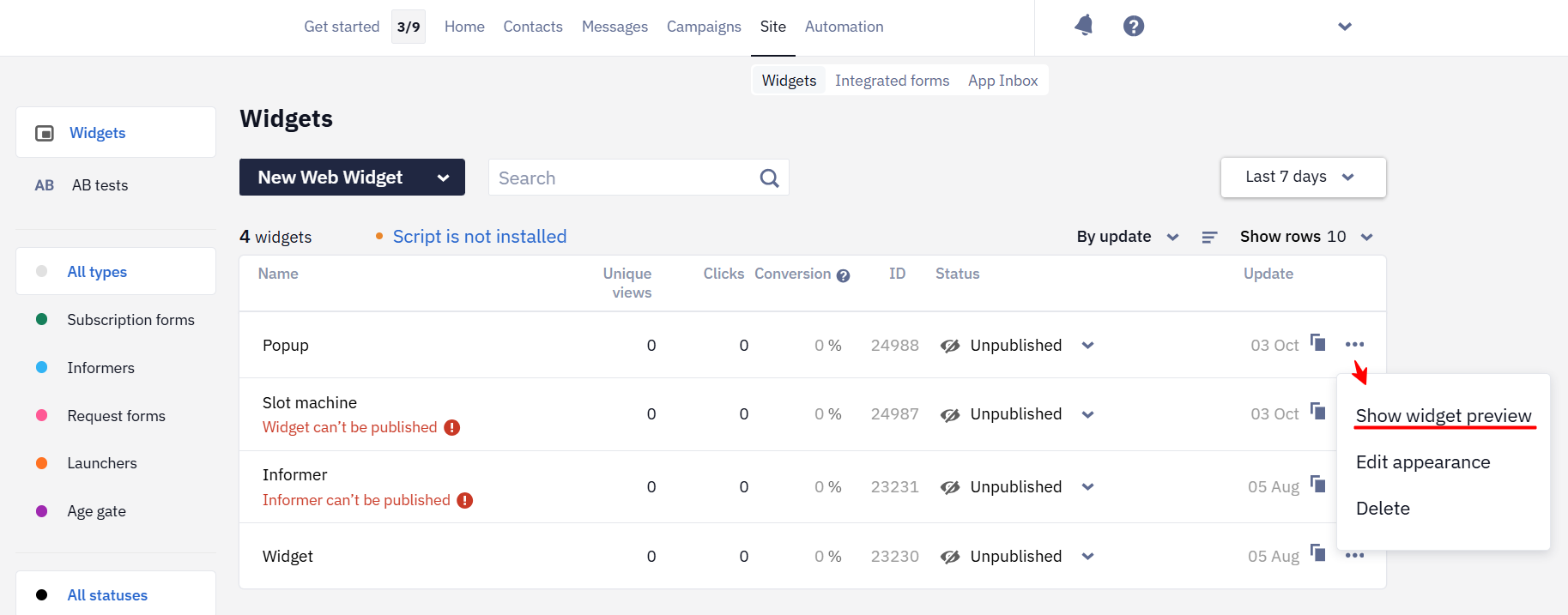
The widget preview in the main list is now interactive: you can enter an email, participate in a giveaway, claim a prize, close the widget, etc. This makes it quick and convenient to test the widget flow and form elements.
Hide Elements Outside Columns
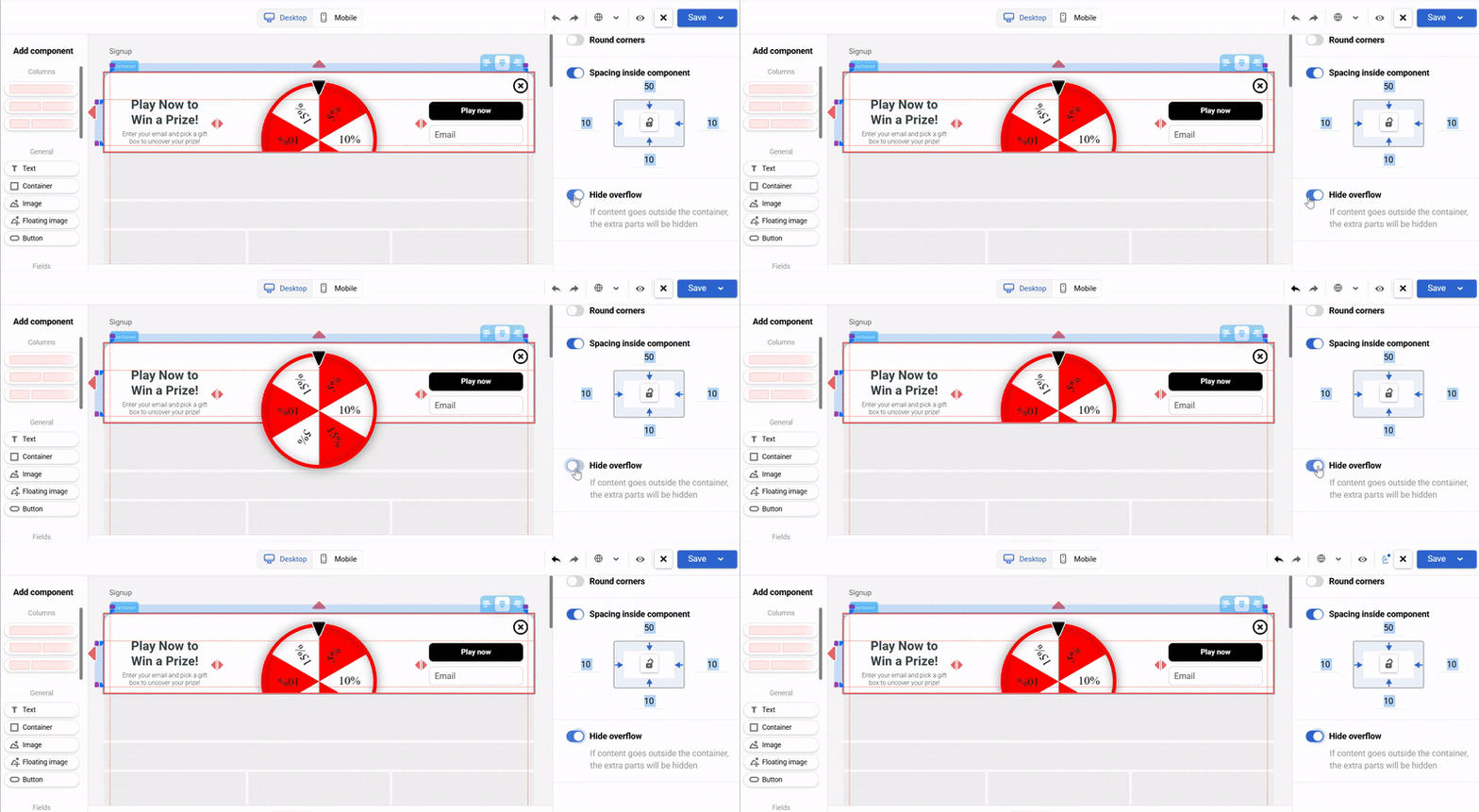
Elements that extend beyond column boundaries can now be hidden, ensuring a predictable layout across different screen sizes and widget dimensions.
Component Navigation
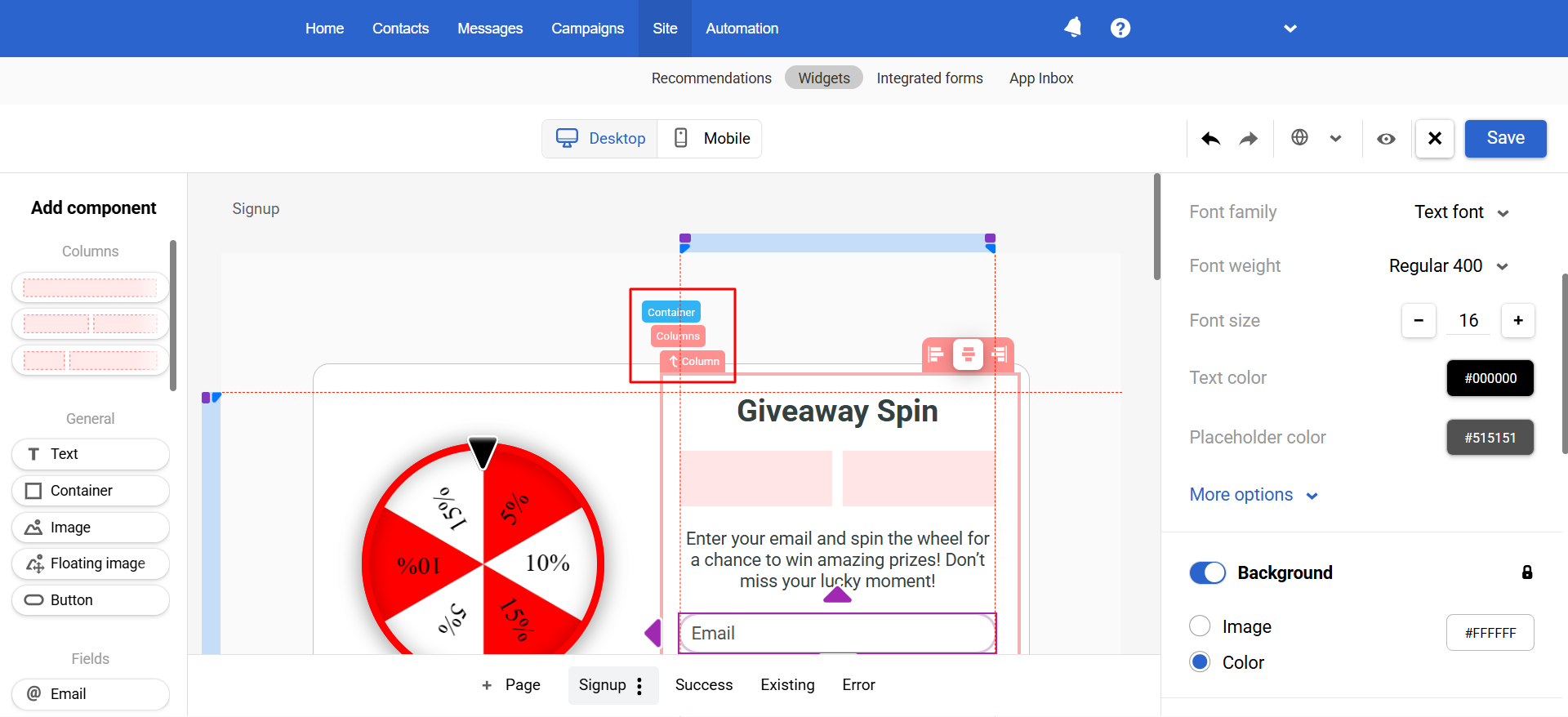
You can now switch between widget elements as in the email editor, making it easy to jump to any nesting level.
Import Contact Country Code
When importing a file with contact data, you can now add and update the Country code field. This simplifies country-based segmentation and reduces the amount of manual edits in your contact database.
Updated 10 months ago